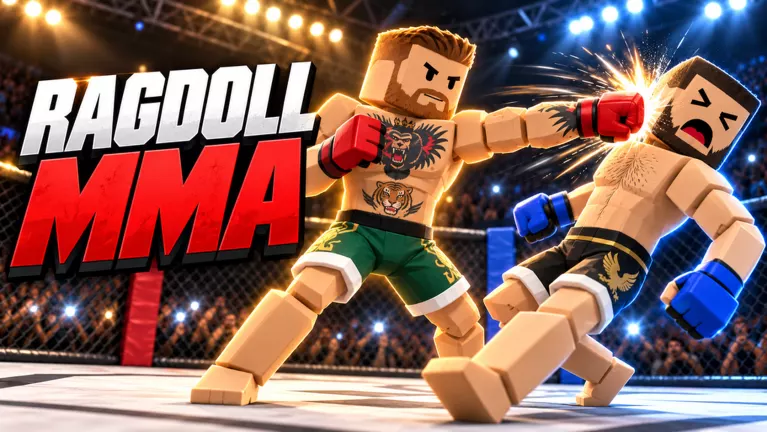
Ragdoll MMA PC Controls and Arm Modes
Find Ragdoll MMA PC controls for punches, kicks, grabs, and ground combat. Compare Simple Arm and Full Arm, switch views, and use the taunt wheel.
Last updated:
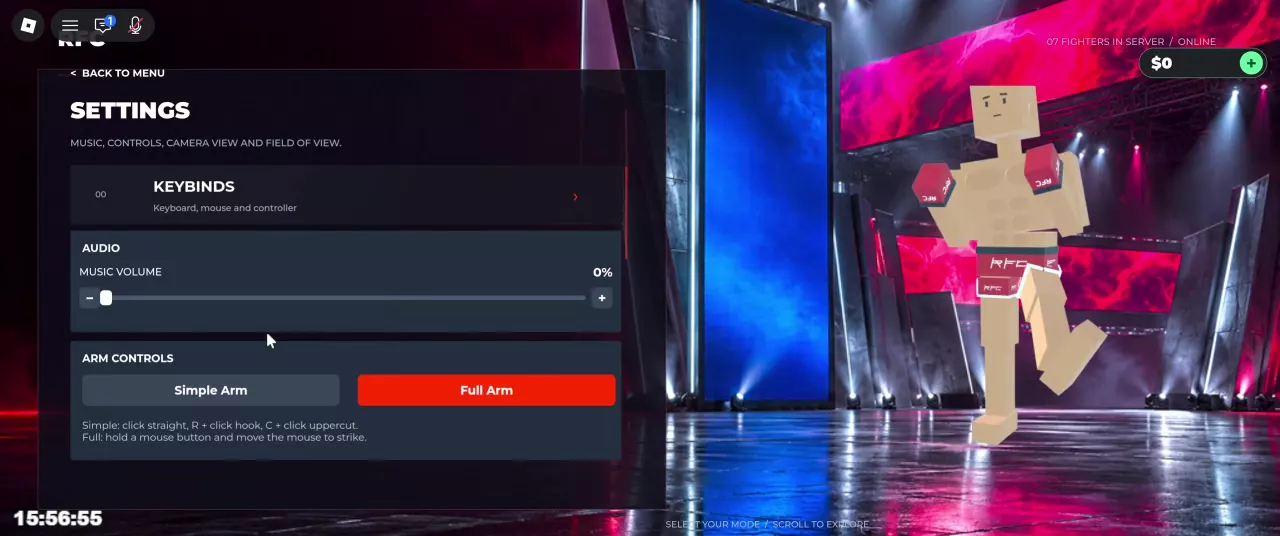
Set up your Ragdoll MMA view and audio for a more comfortable fight. You can switch perspectives, adjust camera movement, and mute music from Settings.
On PC, press LeftAlt during play to toggle the camera view. You can also open Settings from the main menu and scroll to the camera-view option.
Try first person when facing an opponent to help line up punches. It is a view preference, not a damage boost. For attack inputs and positioning, see the striking guide.
The camera locks while you hold a limb-control input. A maintained grip is different: once you have a secure grip, you can release the mouse button and keep holding the opponent while moving the camera freely.
If you need to look around while grappling, release the limb-control input after establishing the grip. Hold the input again when you want to adjust the limb.
From the main menu, open Settings and scroll down to the camera options.
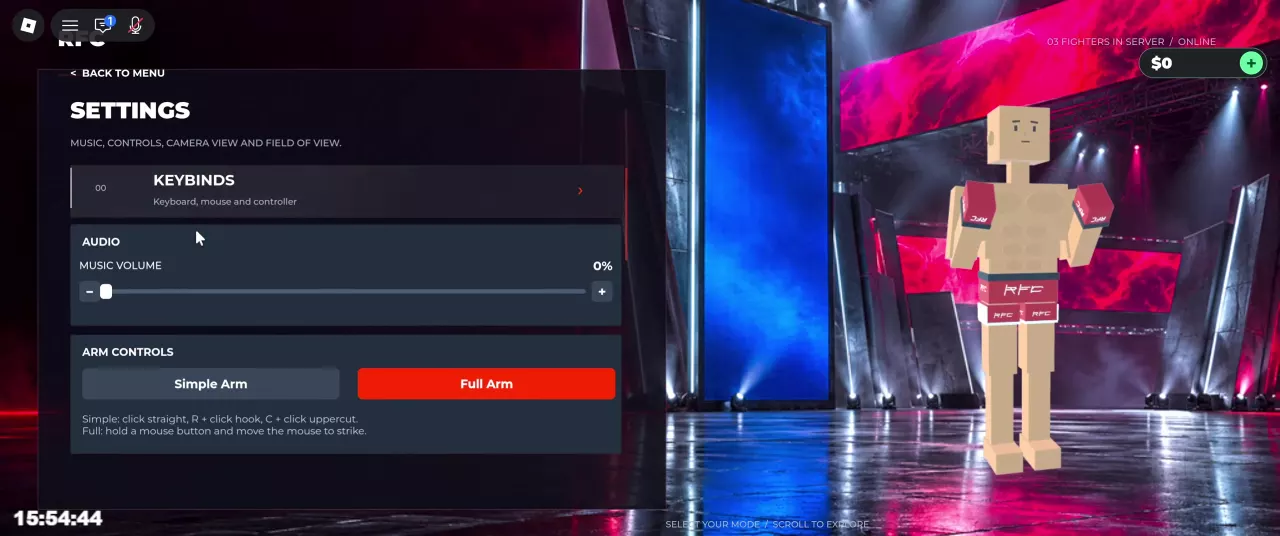
Your preferences save across devices. Settings also contains arm and leg control options; see PC controls and arm modes for how those choices affect your inputs.
Find Ragdoll MMA PC controls for punches, kicks, grabs, and ground combat. Compare Simple Arm and Full Arm, switch views, and use the taunt wheel.
Learn Ragdoll MMA punch controls, guided kicks, and jump kicks. Improve contact with better positioning, hit feedback, and patient counterattacks.