Ragdoll MMA PC Controls and Arm Modes
Find Ragdoll MMA PC controls for punches, kicks, grabs, and ground combat. Compare Simple Arm and Full Arm, switch views, and use the taunt wheel.
Last updated:
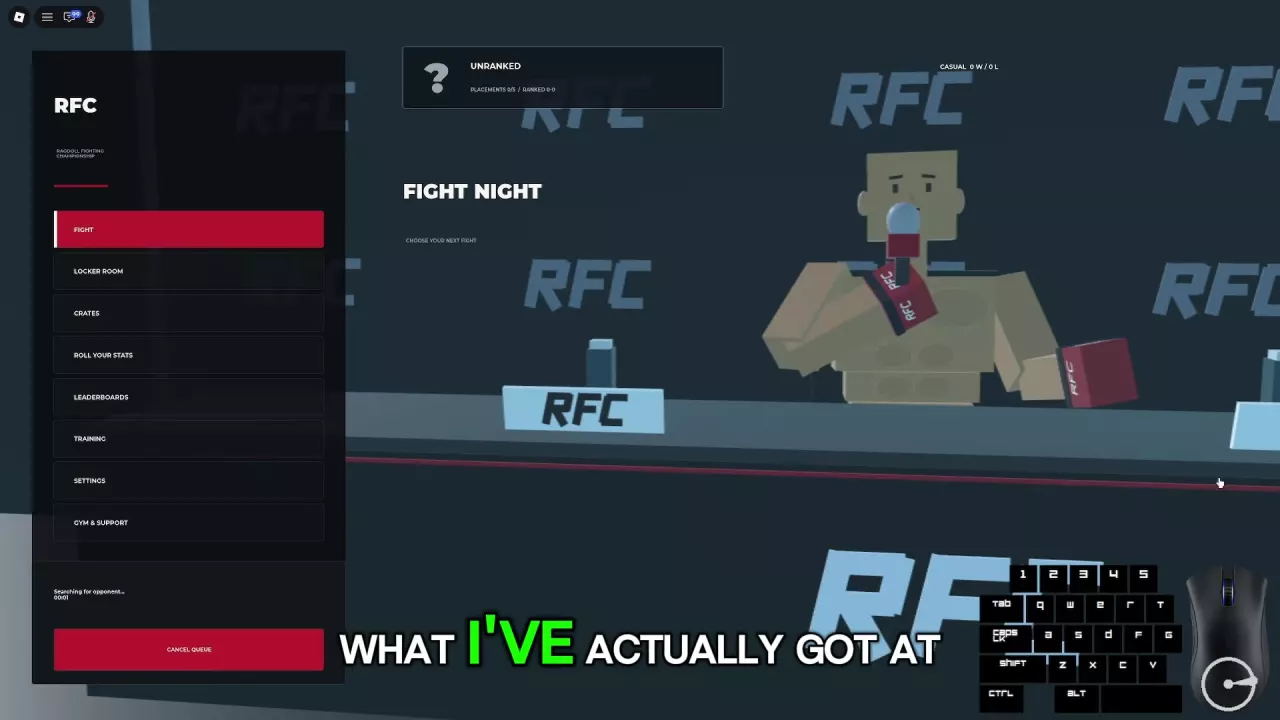
Getting started in Ragdoll MMA means learning to control your fighter, practice contact, and enter the cage. Follow these steps to prepare for your first casual match.
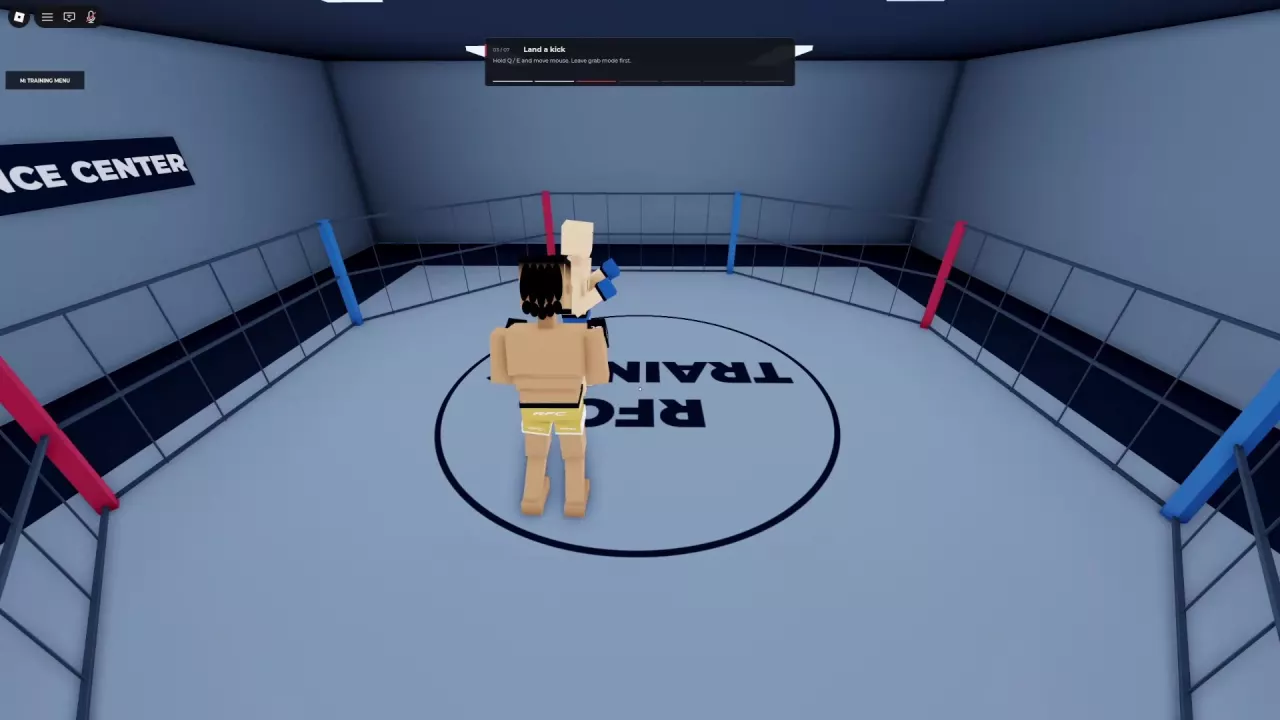
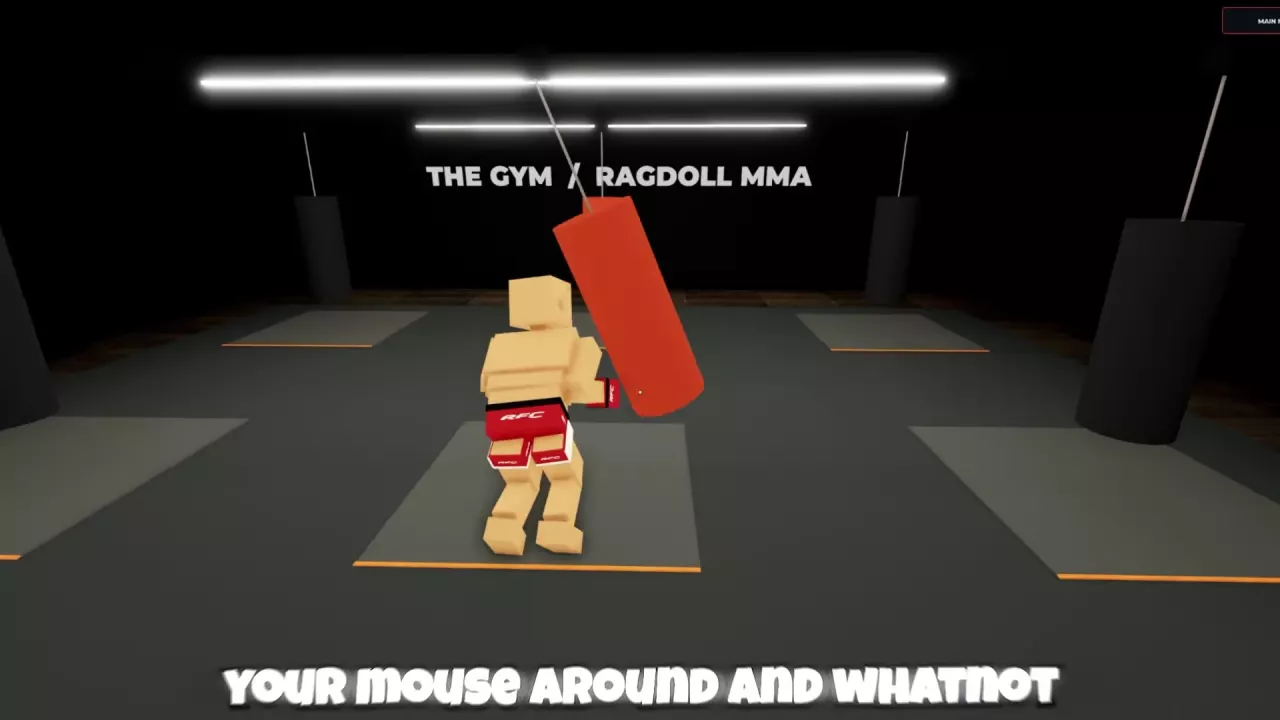
Ragdoll MMA combines physics-driven punches and kicks with contact grabs and ground fighting. Your inputs change with your situation, so learn how to strike, grab, and act on the ground before entering a match.
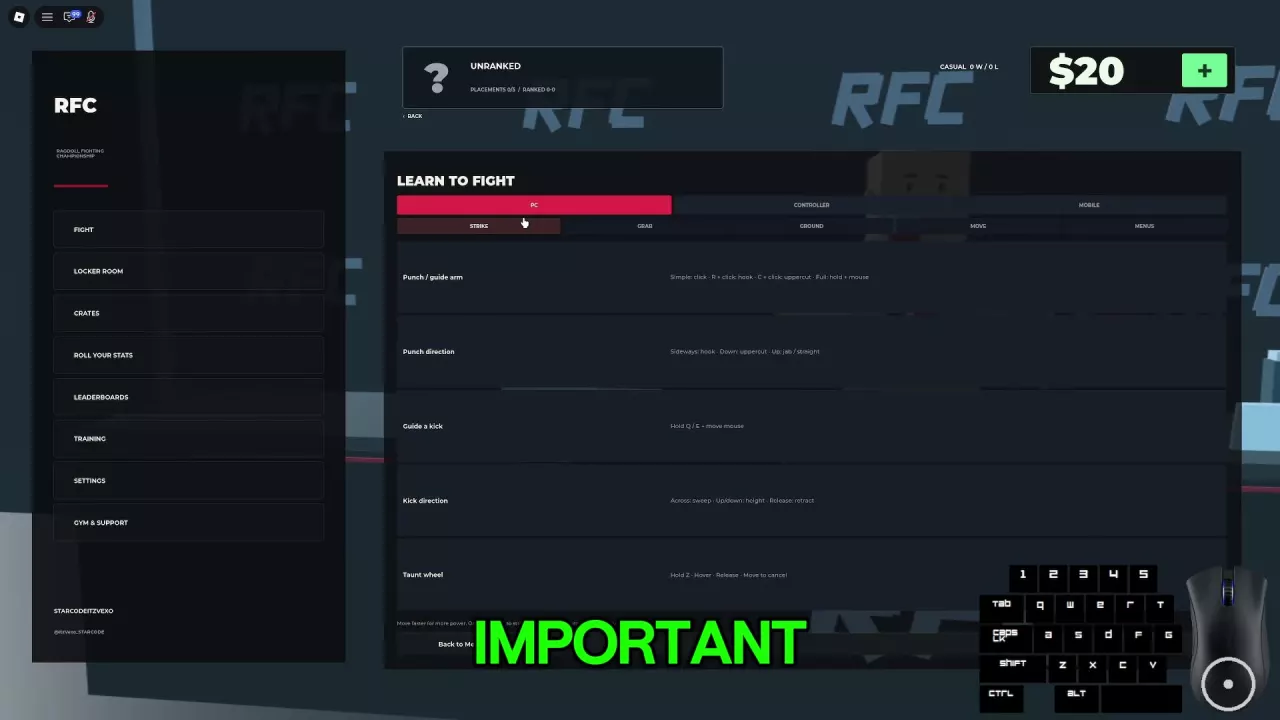
Open Controls from the main menu. In the layout with a Training menu, choose Training → Learn to Fight → Controls Guide. Select your device and browse the Strike, Grab, and Ground categories. PC and controller play are supported; the guide also has a Mobile category. Settings → Keybinds provides a keyboard, mouse, and controller reference.
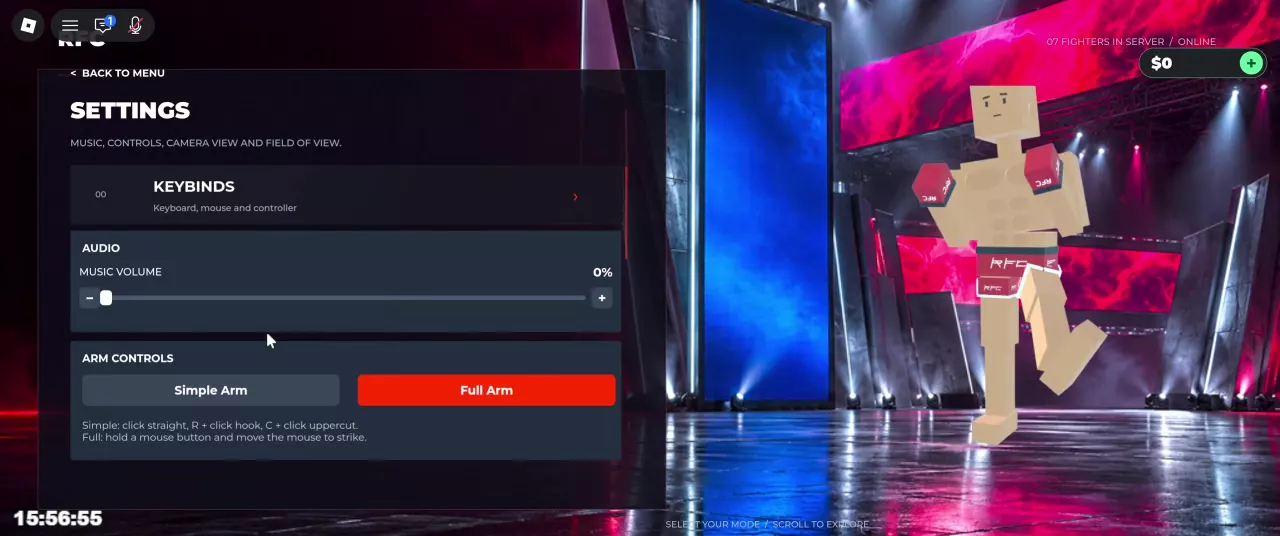
On PC, open Settings → Arm Controls and choose a mode:
See the PC controls guide for the full set of inputs and arm-mode variations.
These steps use keyboard and mouse. Start with Simple Arm if you want click-based punches:
Space jumps while standing or requests a return to standing when you are on the ground.
Once you can move, strike, and establish a grip, try a bot or another player. The training guide covers the individual lesson tasks.
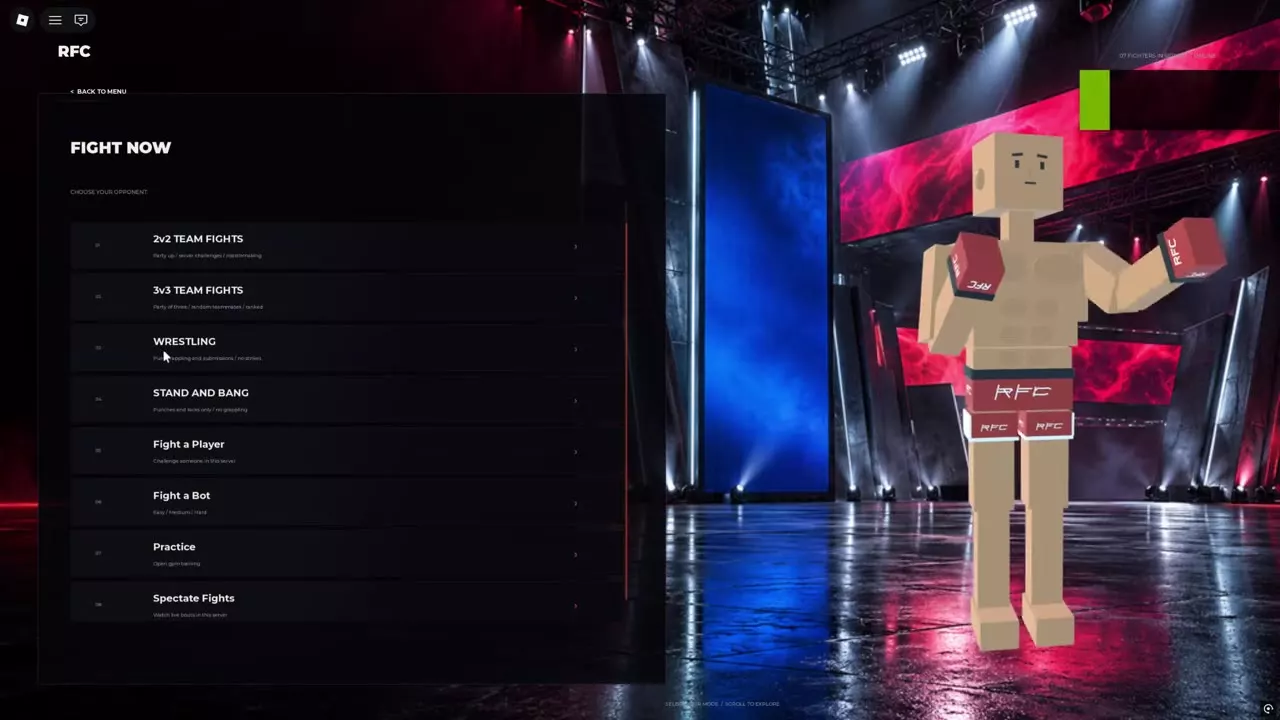
For other ways to play, see the fight modes guide.
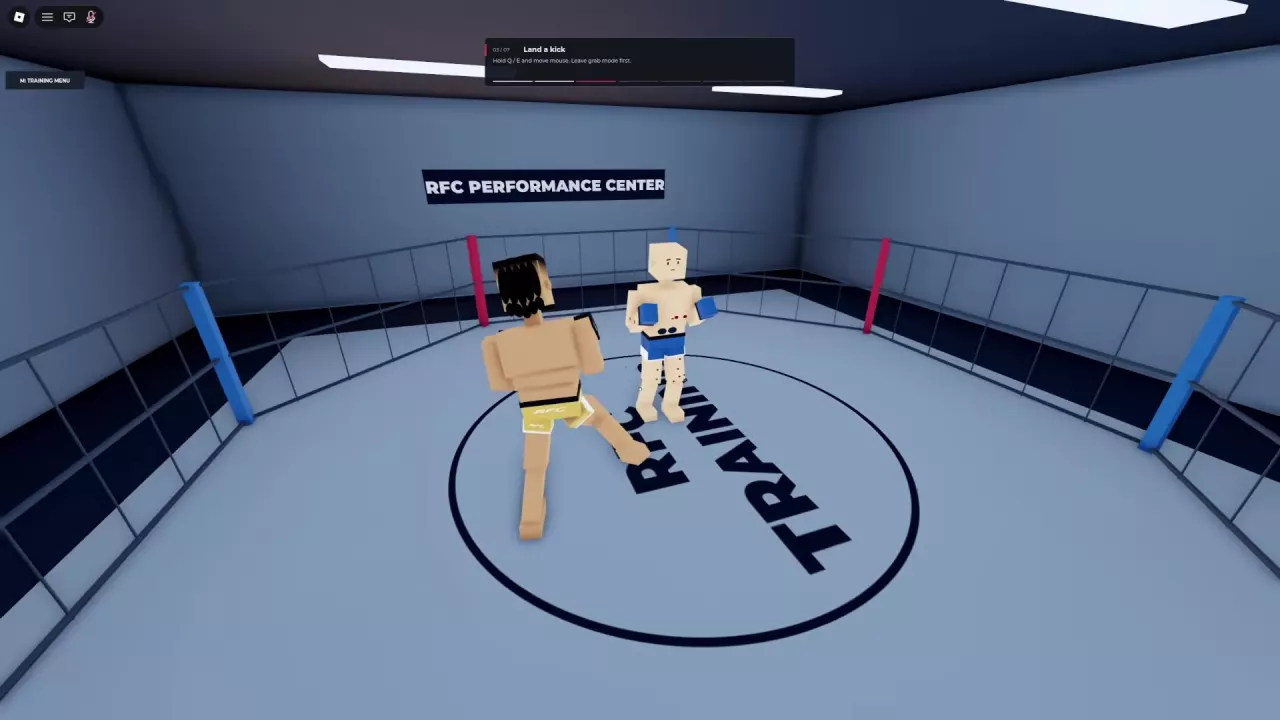
Face your opponent and move close enough for your punches or kicks to connect. If an attack misses, adjust your position before trying again. At close range, you can enter grab mode and make contact to control an opponent while using your other hand to strike.
An ordinary fall does not end the fight. While the round is active, you can still move and attack on the ground. Press Space to request to stand; a grip can remain in place, and a heavier fighter can take longer to get up.
When the fight ends, read the winner and ending type on the result screen. Results include Knockout, Bone break, Referee Stoppage, and Decision. A decision uses accumulated round points when the bout reaches its scheduled end.
Choose Back to Menu on the result screen to return. For a rematch, follow the result screen's agreement prompt; all fighters must agree.
Find Ragdoll MMA PC controls for punches, kicks, grabs, and ground combat. Compare Simple Arm and Full Arm, switch views, and use the taunt wheel.
Choose Ragdoll MMA training activities, complete punch, kick, grip, and leg-control lessons, practice on punching bags, and fight Easy, Medium, or Hard bots.
Compare Ragdoll MMA game modes, find Quick Fight, Ranked, team fights and restricted rules, challenge players, spectate, and cancel matchmaking.
Learn Ragdoll MMA punch controls, guided kicks, and jump kicks. Improve contact with better positioning, hit feedback, and patient counterattacks.
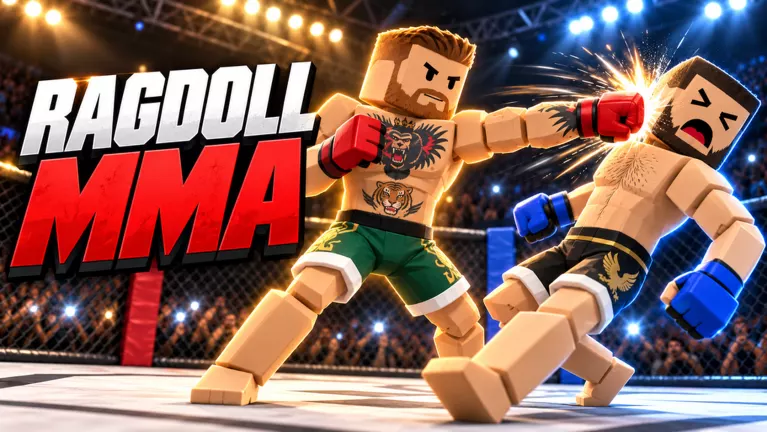
Learn how to grab, reposition, release, and slam in Ragdoll MMA, plus leg takedown attempts, submission positioning, and joint-pressure warnings.
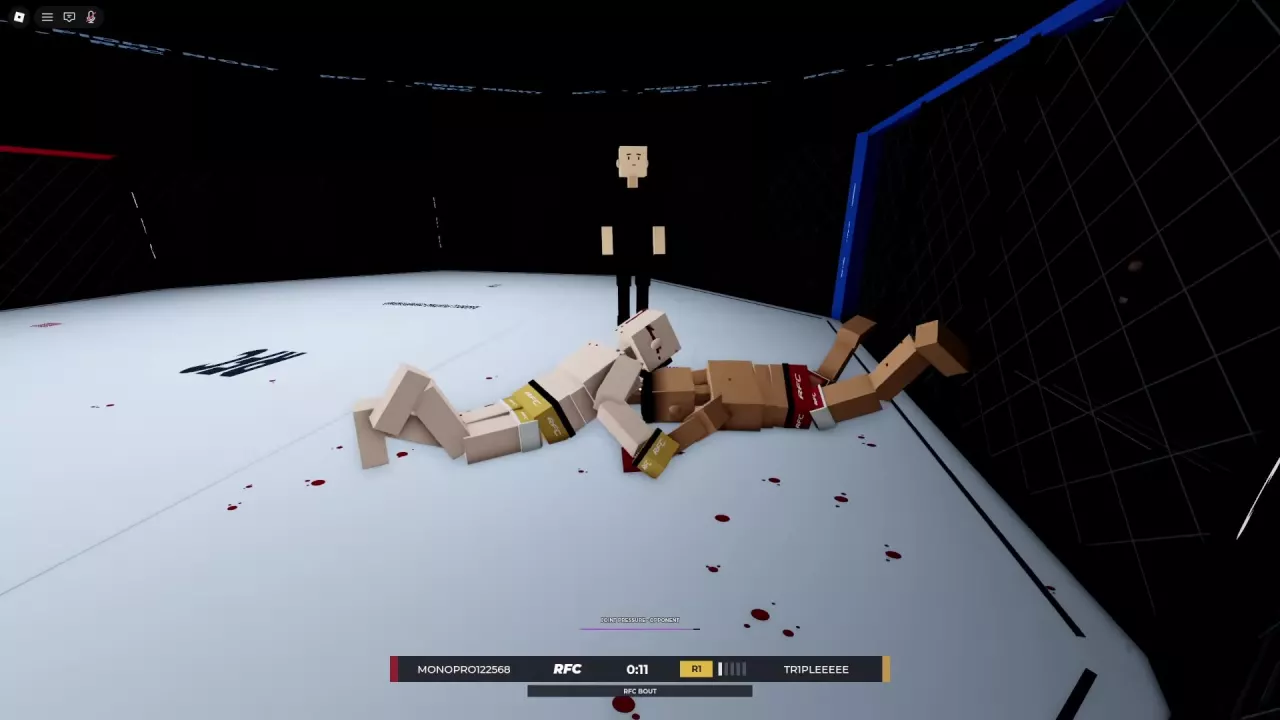
Learn Ragdoll MMA ground combat controls: crawl, turn, punch while holding, guide both legs, and get up. Find better angles and understand weight penalties.
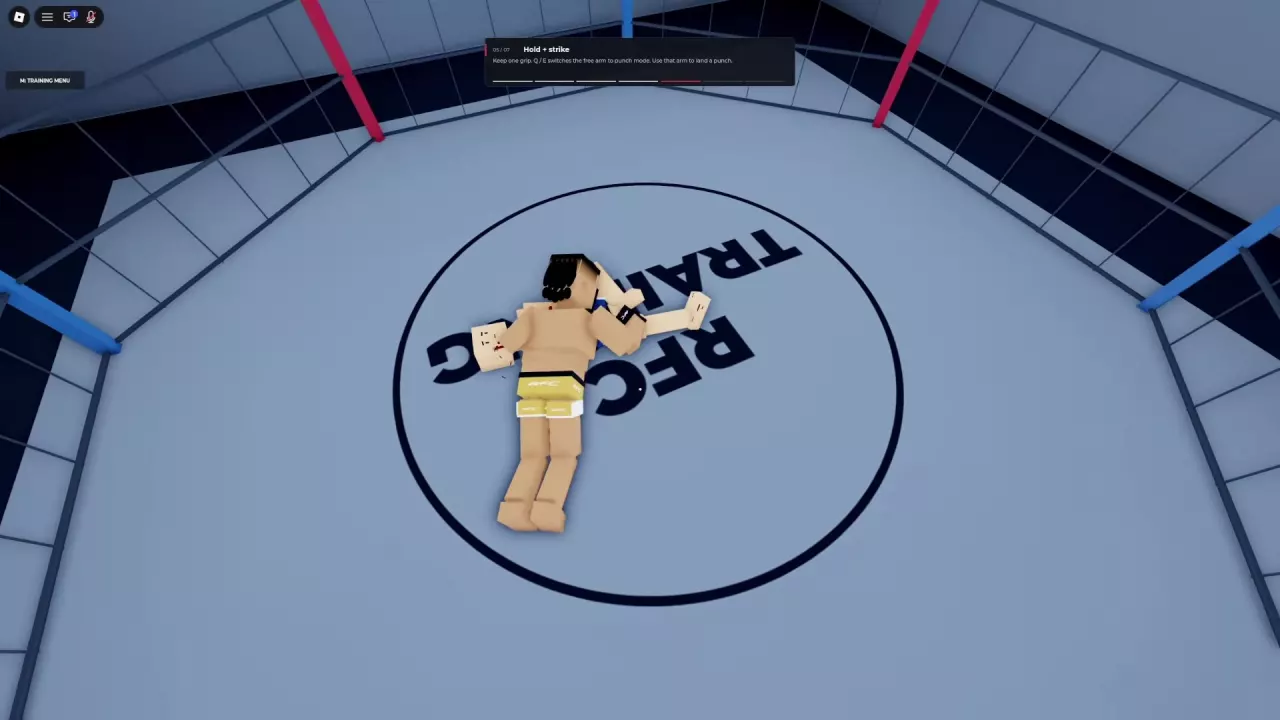
Understand the Ragdoll MMA scoring system, read every round statistic, and use real scorecards to improve striking, takedowns, and ground control.