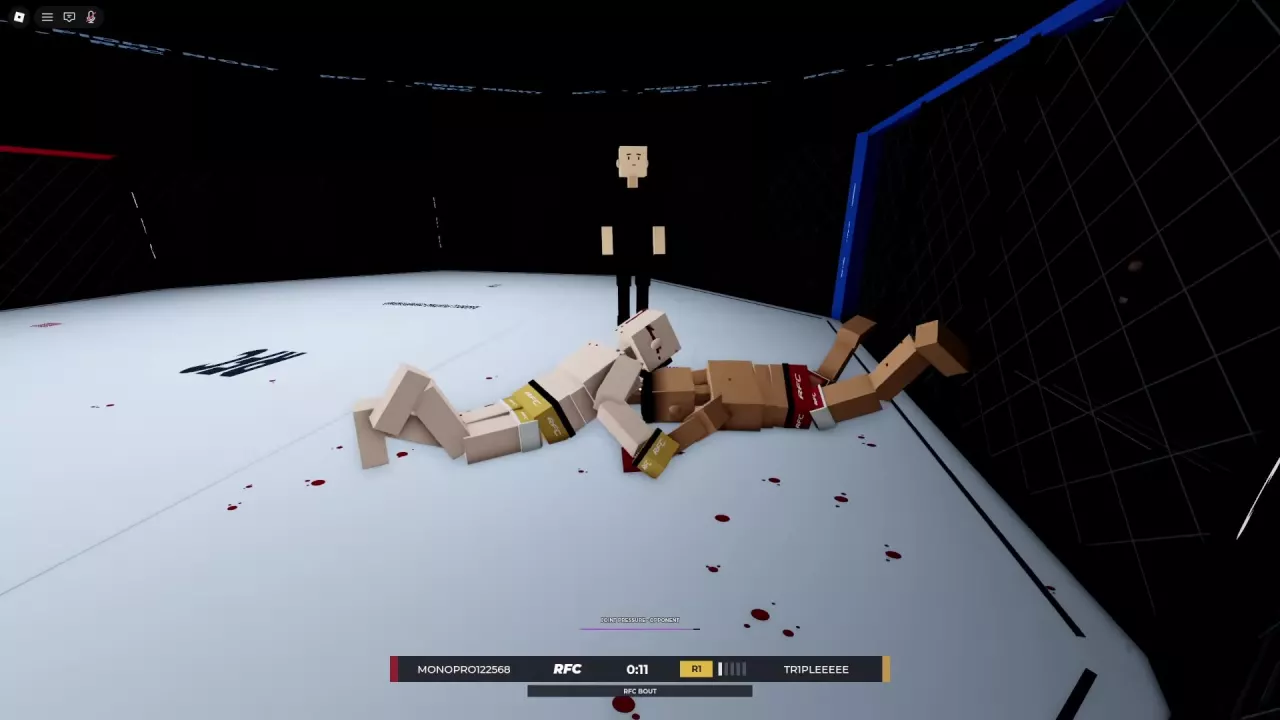
Choose a Fight Mode
Choose Quick Fight when you want a random casual opponent, or Ranked when you want placement matches and division progression. For a group fight, choose the team size that fits your party. For focused combat practice against players, choose a rule set that keeps the techniques you want to work on: Wrestling for grappling or Stand and Bang for striking.
To face a specific opponent, use Fight a Player. To watch instead of compete, use Spectate Fights.
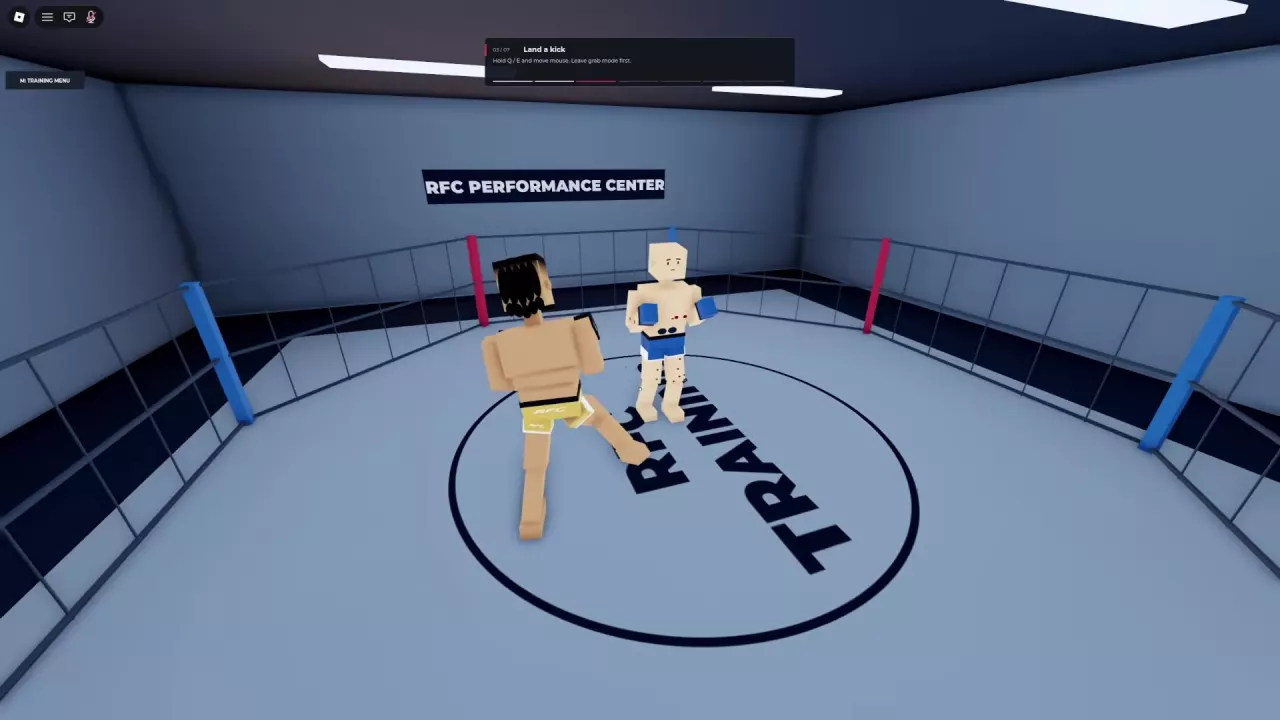
If you want to learn before queueing, open Training → Learn to Fight → Guided Training for lessons, Fight Now → Practice for open gym practice, or Fight Now → Fight a Bot for an Easy, Medium, or Hard AI opponent. See the training guide for lessons and practice instructions.
-
Quick Fight
- Fight Type
- Casual matchmaking
- Menu
- Fight → Quick Fight (Menu layout with a Fight sidebar section)
-
2v2 Team Fights
- Fight Type
- Team fight
- Players per Team
- 2 players
- Participation Options
- Form a team, challenge players in the server or use matchmaking.
- Menu
- Fight Now
-
3v3 Team Fights
- Fight Type
- Team fight
- Players per Team
- 3 players
- Participation Options
- Three-player teams, random teammates and ranked play.
- Menu
- Fight Now
-
Wrestling
- Fight Type
- Grappling and submissions
- Striking Allowed
- No (Wrestling mode)
- Grappling Allowed
- Yes (Wrestling mode)
- Submissions
- Submissions are part of the mode. (Wrestling mode)
- Menu
- Fight Now
-
Stand and Bang
- Fight Type
- Punches and kicks
- Striking Allowed
- Yes (Stand and Bang mode; punches and kicks)
- Grappling Allowed
- No (Stand and Bang mode)
- Menu
- Fight Now
Find Your Menu Layout
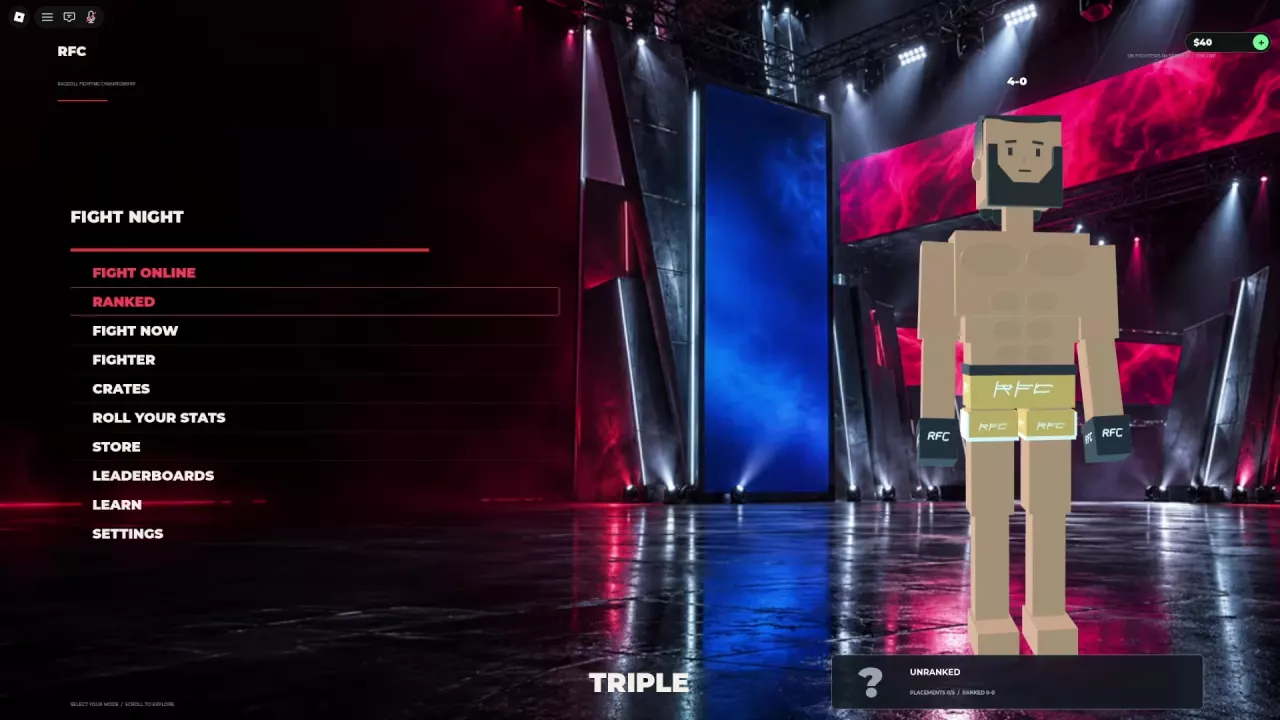
Fight Night is the main menu. Follow the labels on your screen:
| Menu layout | Where to go |
|---|---|
| Separate Fight Online, Ranked, and Fight Now buttons | Open Fight Now for team modes, restricted rules, player challenges, bots, Practice, and spectating. Choose Ranked directly from the main menu for ranked matchmaking. |
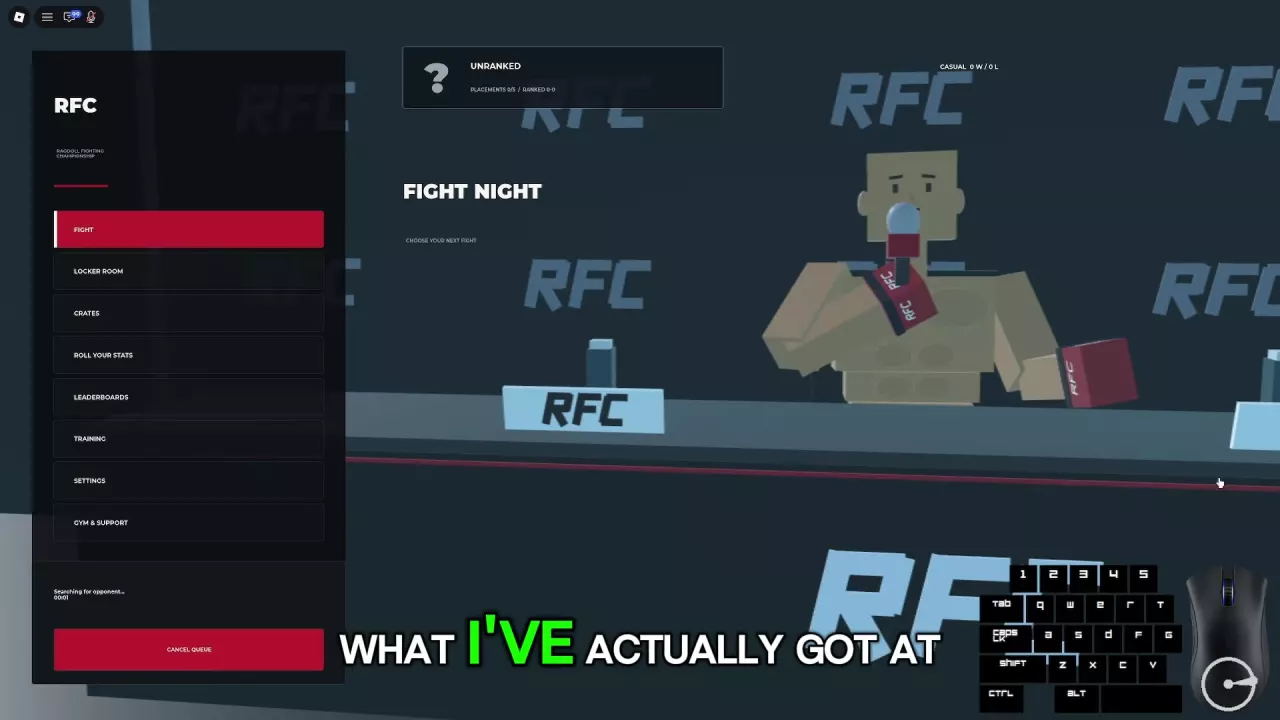
| A sidebar with a Fight section | Open Fight to find Quick Fight, labeled “Casual matchmaking,” and Ranked, labeled “Placement matches and divisions.” |
In the separate-button layout, Fight Online and Fight Now are distinct entries. Use Fight Now to reach the named modes below.
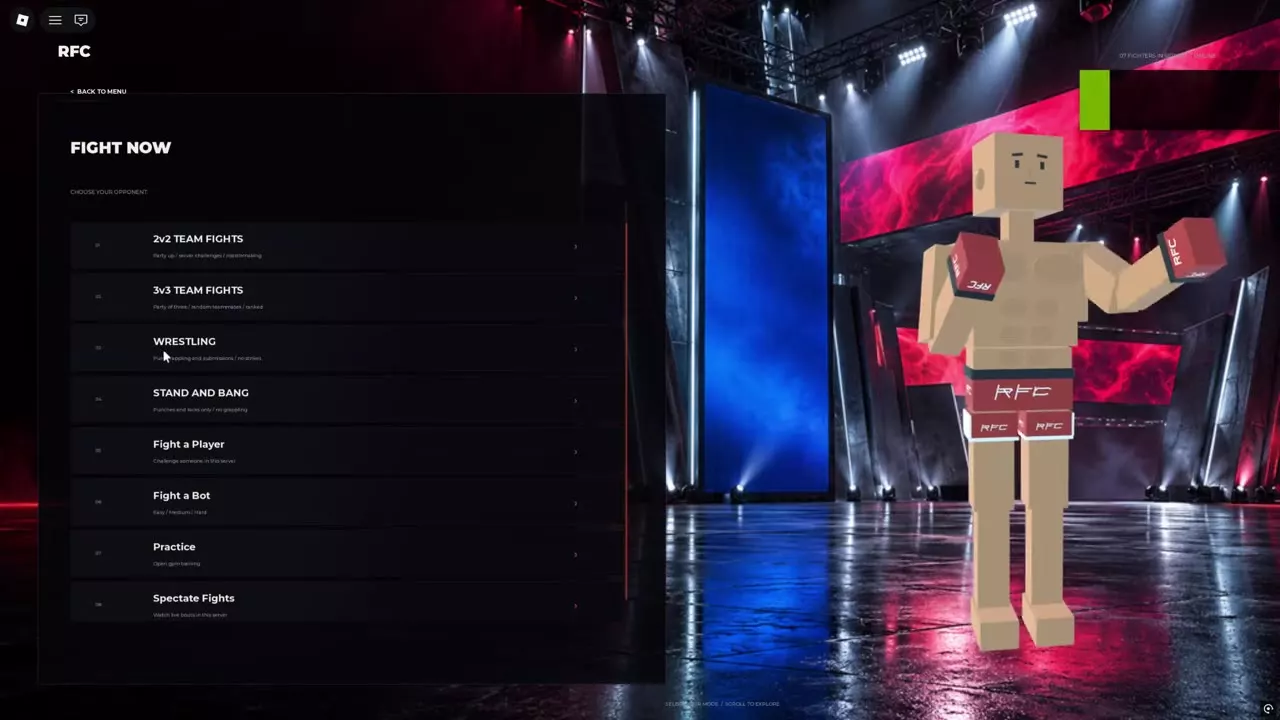
Quick Fight, Ranked, and Team Options
Quick Fight or Ranked?
For casual matchmaking in the sidebar layout:
- Open Fight.
- Select Quick Fight.
- Wait for an opponent and continue through loading when the match is ready.
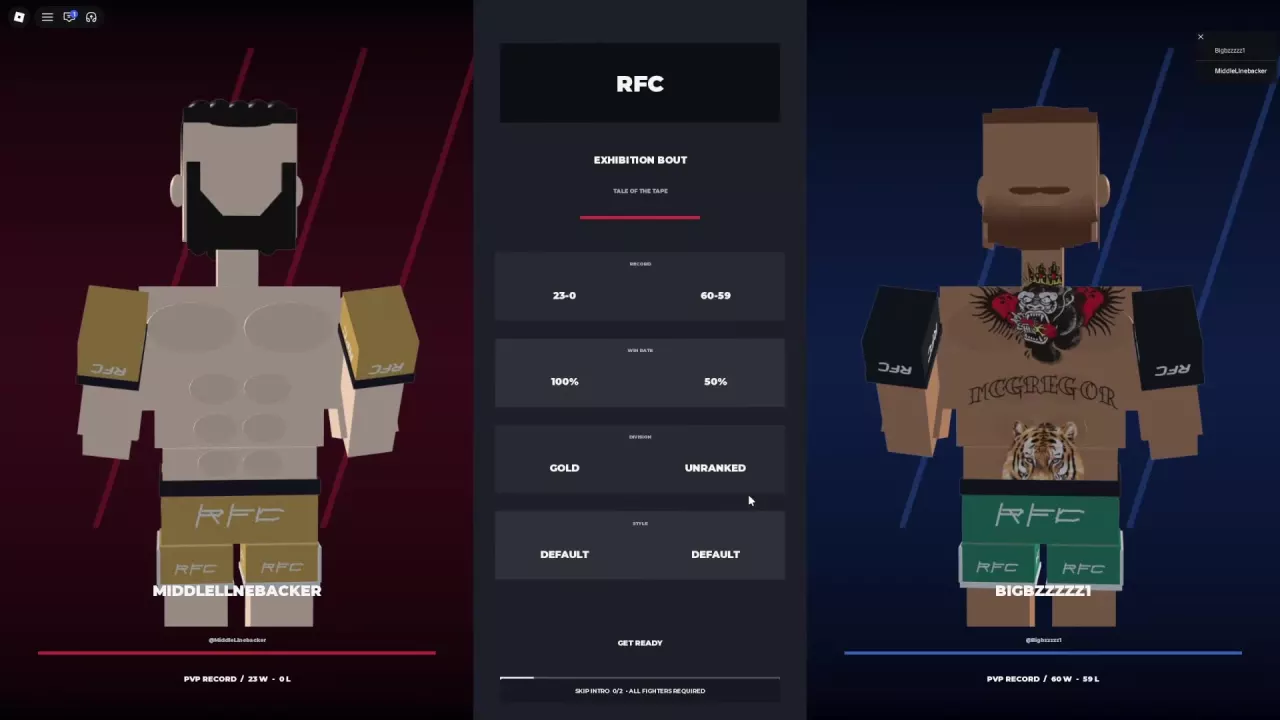
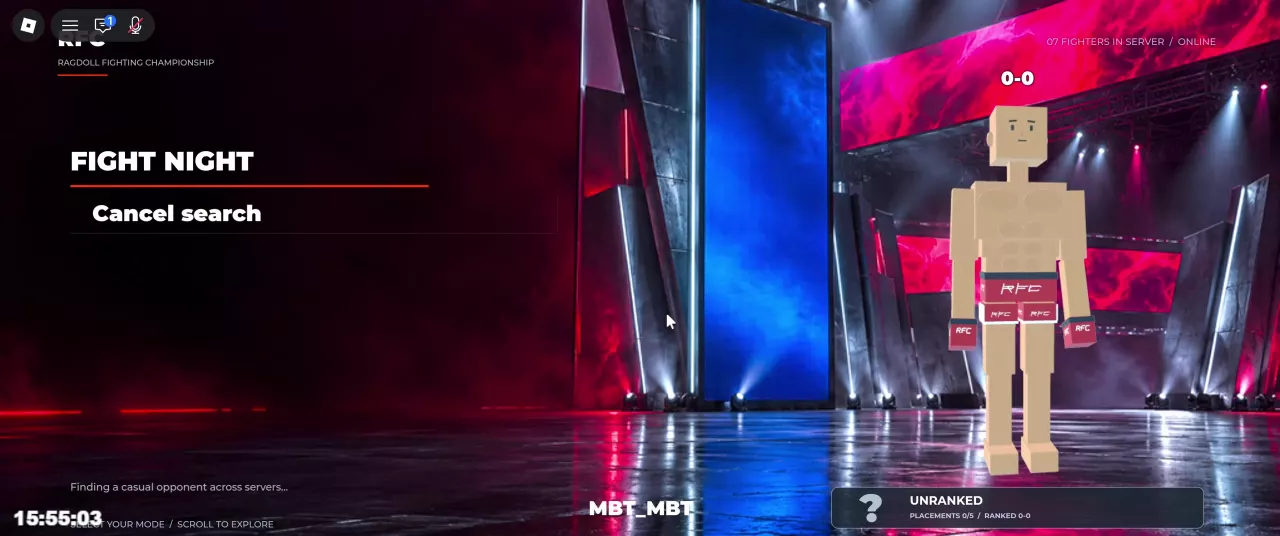
Casual matchmaking can search across servers, so your opponent does not have to be in your current server. After loading, a casual fight can proceed to Fight Setup and an Exhibition Bout introduction.
Choose Ranked for competitive progression. Enter through the main-menu Ranked button or the Ranked card under Fight, depending on your layout. You begin Unranked, with five placement matches tracked as Placements x/5. These are completed matches, not five required wins; losses can advance placement progress. See the Ranked guide for placement tracking, rating, and ranked records.
Choose your team size
Open Fight Now, then select 2v2 Team Fights or 3v3 Team Fights. Choose 2v2 when you want a two-player team with options to form a team, challenge players in the server, or use matchmaking. Choose 3v3 when you want three-player teams; its participation options include random teammates and ranked play.
Wrestling or Stand and Bang?
Open Fight Now, then choose the rule set that fits your practice goal:
- Wrestling: Work on grabs, grappling, and submissions without strikes interrupting the exchange. Striking is prohibited. Use the grappling guide for grabbing, slams, and joint pressure.
- Stand and Bang: Work on punches, kicks, range, and defense without grappling or wrestling. Use the striking guide for attack inputs and defensive choices.
Choose Wrestling when you want to focus on controlling an opponent. Choose Stand and Bang when you want to focus on landing and avoiding strikes.
Challenge a Player or Spectate
To challenge a specific player: Make sure they are in your current server, then open Fight Now → Fight a Player. This is the entry for choosing a server opponent instead of searching for a random match.
To watch a live fight: Open Fight Now → Spectate Fights. This lets you watch matches taking place in your current server without joining as a fighter.
Understand Queue Messages and Cancel a Search
Read the status message before deciding whether to keep waiting:
| Message | Meaning | Button shown |
|---|---|---|
| Searching for opponent | The queue is still looking for a match. The timer shows elapsed waiting time. | Cancel Queue |
| Finding a casual opponent across servers... | Casual matchmaking is looking beyond your current server. | Cancel search |
| Match found. Waiting for your opponent to arrive... | A match has been found, but the opponent has not arrived yet. | Cancel search |
To stop an active search, select the cancellation button in your layout. If a Ranked search is taking a long time and is still searching, you can try canceling and selecting Ranked again; restarting may help, but does not guarantee a shorter wait.
Once a Ranked match has been assigned, leaving counts as a loss. A visible Cancel search button does not make leaving an assigned ranked bout penalty-free. Cancel before assignment if you do not want to continue queueing.
What Happens After Matchmaking
After matchmaking, Fight Setup includes arena voting and the rules for the upcoming bout. Read the scheduled distance before the fight:
- Exhibition bouts: Choose the Distance offers 3 Rounds or 5 Rounds. Exhibition bouts can use 60-second rounds, including a five-round bout.
- Ranked bouts: The setup specifies 5 rounds of 90 seconds each.
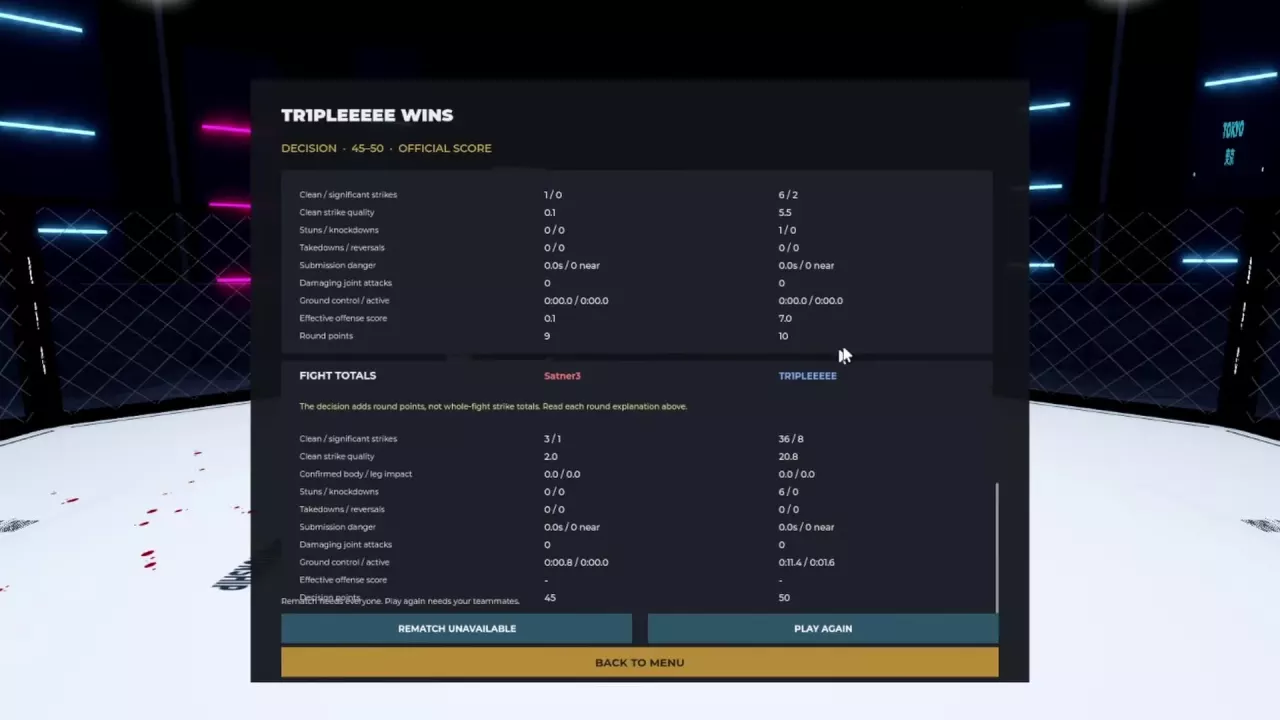
A finish can end the fight before all scheduled rounds are completed. If the fight goes the distance, it can end by decision. These bout settings should not be treated as universal settings for every team or restricted-rule mode.
See match rules, arena voting, and the full bout flow for what to do between matchmaking and the result screen. For decisions and round statistics, use the scoring guide.