Choose What to Customize
| What you want to change | Required unlock | Customization options |
|---|---|---|
| Glove and trunk styles | Premium Fight Gear | Five collections with independently selectable gloves and trunks |
| Gear colors | Fighter Colors | Glove and trunk colors, including a matching-color option |
| Tattoos | Tattoo Studio | Six designs with adjustable placement, size, and ink opacity |
| Accessories | Jewelry | Chains, watches, and diamond stud earrings |
| Post-fight celebration | Victory Pack | Three celebrations selected in the menu |
All five features are cosmetic. Choose them for the appearance or celebration you want; they do not add combat stats.
-
Satin
- Type
- Fight gear collection
- Gear pieces
- Trunks and gloves
-
Gold Trim
- Type
- Fight gear collection
- Gear pieces
- Trunks and gloves
-
Camo
- Type
- Fight gear collection
- Gear pieces
- Trunks and gloves
-
Lightning
- Type
- Fight gear collection
- Gear pieces
- Trunks and gloves
-
Heritage
- Type
- Fight gear collection
- Gear pieces
- Trunks and gloves
-
Double Fist Salute
- Type
- Post-fight celebration
- Selection
- Choose in the menu (Victory Pack unlocked)
-
Champion Flex
- Type
- Post-fight celebration
- Selection
- Choose in the menu (Victory Pack unlocked)
-
Respect Bow
- Type
- Post-fight celebration
- Selection
- Choose in the menu (Victory Pack unlocked)
Mix Gloves and Trunks
Premium Fight Gear includes Satin, Gold Trim, Camo, Lightning, and Heritage. Each collection contains both trunks and gloves. With the pass unlocked, you can select the two pieces separately rather than wear one matching collection.
- Choose your trunk style and glove style. Mix collections if you prefer different styles for each piece.
- Preview your fighter with the selected gear.
- Save your loadout to keep that combination.
Use a matching collection for a coordinated style, or mix pieces when you prefer the gloves from one collection and the trunks from another.
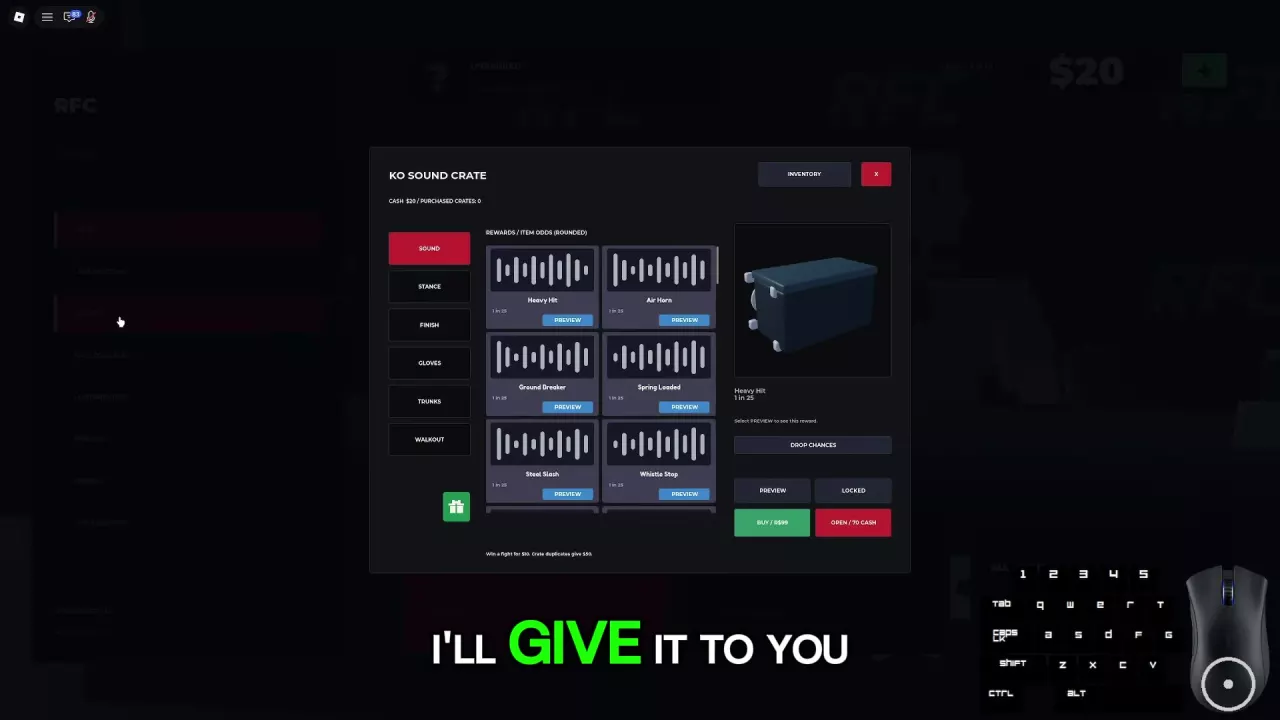
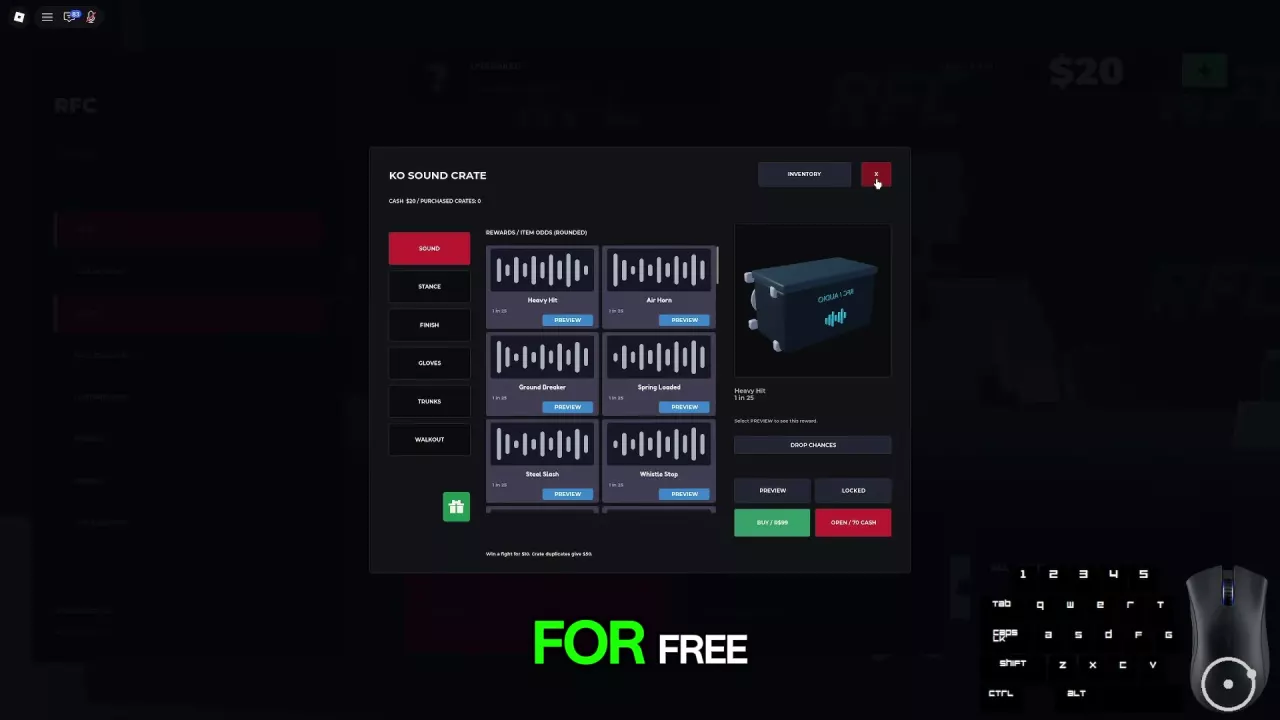
The Crates menu also has separate Gloves and Trunks categories and an Inventory button. Those are gear reward and inventory entrances; the five premium collections above require Premium Fight Gear.
Choose Gear Colors
Fighter Colors is a permanent unlock for glove and trunk color customization. Choose the colors you want for each piece, or use the matching-color option to coordinate them.
Premium Fight Gear does not include this separate color entitlement. If you want to recolor your gear, choose Fighter Colors; if you want the five additional gear collections, those belong to Premium Fight Gear. Color choices provide no strength, damage, or balance advantage.
Place and Adjust Tattoos
Tattoo Studio permanently unlocks six tattoo designs for your fighter’s arms, chest, back, and legs.
- Choose a tattoo design and a body area.
- Adjust its placement and size to fit the look you want.
- Adjust ink opacity to change how bold or subtle the tattoo appears.
- Preview your fighter, then save your loadout.
Placement, size, and opacity work together: position the design first, size it for that area, and then adjust its visibility before saving.
Mix Jewelry and Save Your Look
With Jewelry unlocked, choose from reflective gold and silver chains, watches, and diamond stud earrings.
- Choose the pieces you want to wear and mix them to create your look.
- Save your look to keep the selected jewelry combination.
Choose a Post-Fight Celebration
With Victory Pack unlocked, choose Double Fist Salute, Champion Flex, or Respect Bow in the menu. Your selection becomes your post-fight celebration.
These selections are separate from the in-fight Z taunt wheel, the Walkout category, and the automatic finish replay. To perform a taunt during combat, use the PC taunt controls.
Find the Required Pass or Reward Route
Premium Fight Gear and Victory Pack are listed as not for sale. The gear-mixing and celebration instructions apply when you already have the relevant unlock.
- For listed prices, availability, and which pass fits your customization goals, use the game pass comparison.
- For KO audio rewards, opening costs, odds, and sound previews, use the Crates and KO Sounds guide.