Choose a Training Activity
- Learn the inputs: Choose Guided Training. Free lessons, a practice partner, and instant resets make it the best starting point for learning how each action works.
- Repeat attacks freely: Choose Practice. Hanging punching bags give you a target for working on contact and positioning without following a lesson prompt.
- Apply your controls against an opponent: Choose Fight a Bot. Use it when you want to move from rehearsing an input to responding to an AI fighter.
- Arrange private sessions with friends: Choose Personal Gym for an invitation-only training space with equipment and multiple bot partners.
-
Guided Training
- Training Type
- Guided lessons
- Entry
- Training > Learn to Fight > Guided Training
- Lessons
- Free lessons
- Practice Partner
- Yes
- Instant Resets
- Yes
-
Practice
- Training Type
- Open gym training
- Entry
- Fight Now > Practice
- Facilities
- Multiple hanging punching bags and training mats
-
Fight a Bot
- Training Type
- AI opponent
- Entry
- Fight Now > Fight a Bot
- Difficulties
- Easy, Medium, Hard (Fight a Bot)
Enter Guided Training
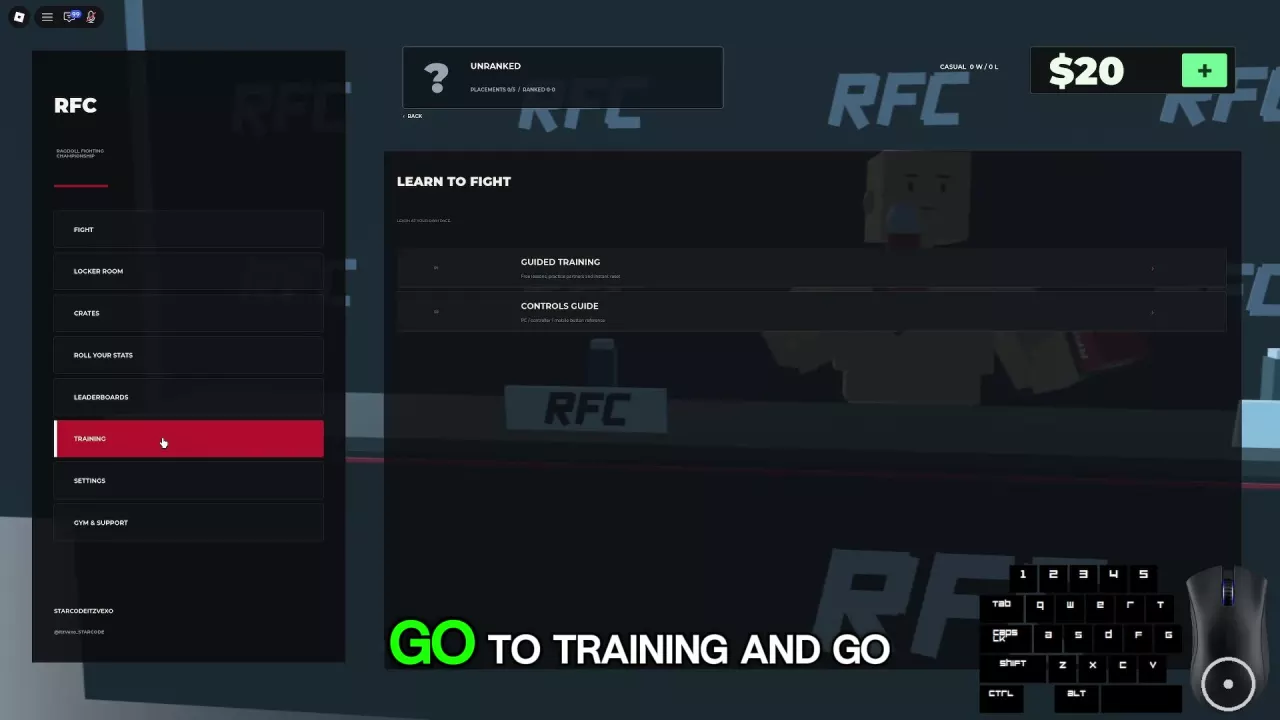
- Open Training from the main menu to reach Learn to Fight.
- Read Controls Guide to familiarize yourself with the inputs.
- Select Guided Training to practice with a partner in the RFC Performance Center.
The course contains seven tasks. Press M in the training area to open TRAINING MENU. The task instructions below use keyboard and mouse; see PC controls and arm modes for the full controls reference.
Land a Punch and a Kick
Task 2: Land a punch
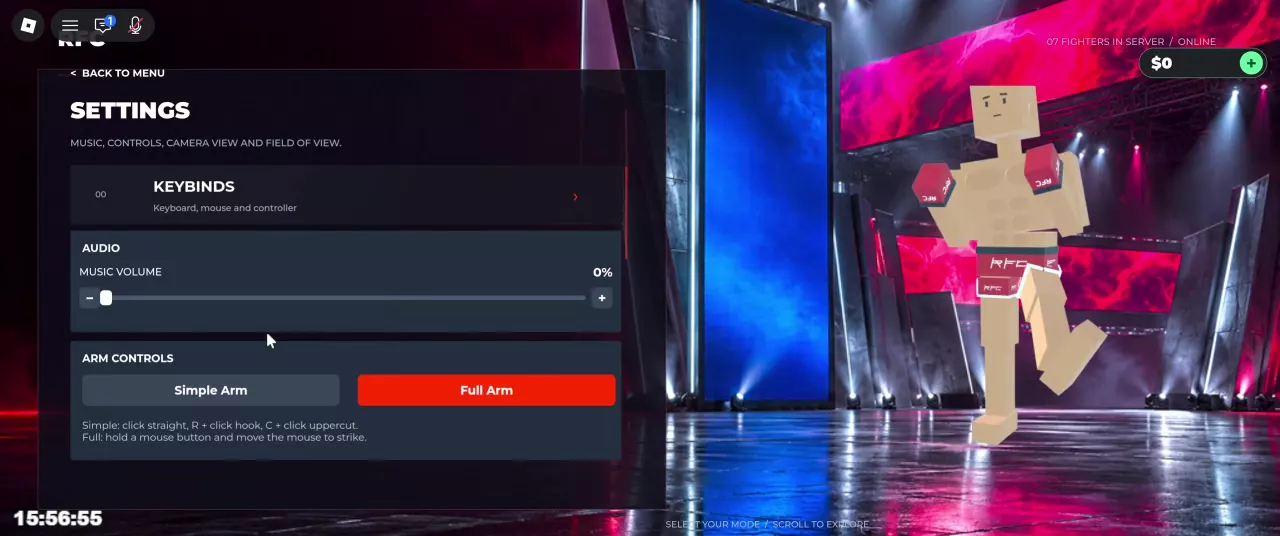
Face your training partner and use the input for your selected arm mode:
- Simple: Click to punch.
- Full: Hold the left or right mouse button and move the mouse toward your partner to guide the arm into contact.
A swing must reach the partner to count as a hit. If you keep missing, adjust your position before trying again. Small hit-feedback boxes indicate that an attack has connected.
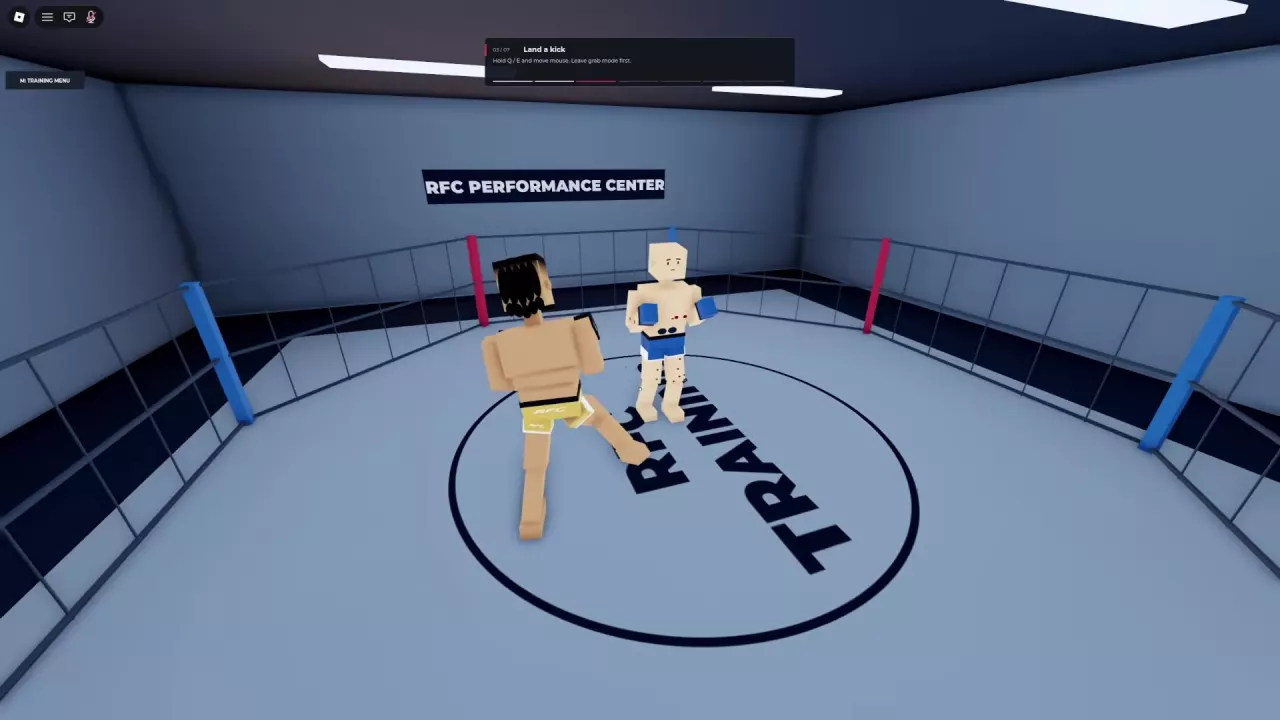
Task 3: Land a kick
- Leave grab mode first; press G if you need to release your grips.
- Hold Q for the left leg or E for the right leg.
- Move the mouse to guide the leg into your partner.
For attack selection, distance, and defensive movement beyond the lesson, use the striking guide.
Secure a Grip, Then Hold and Strike
Task 4: Secure a grip
- Press G to enter grab mode.
- Hold either mouse button and move the mouse to guide that hand toward your training partner.
- Bring the hand into contact with the partner to establish a grip.
Standing close or extending your arms is not enough: the hand must touch the partner. Once attached, releasing the mouse button keeps the grip; pressing it again lets you reposition the hand.
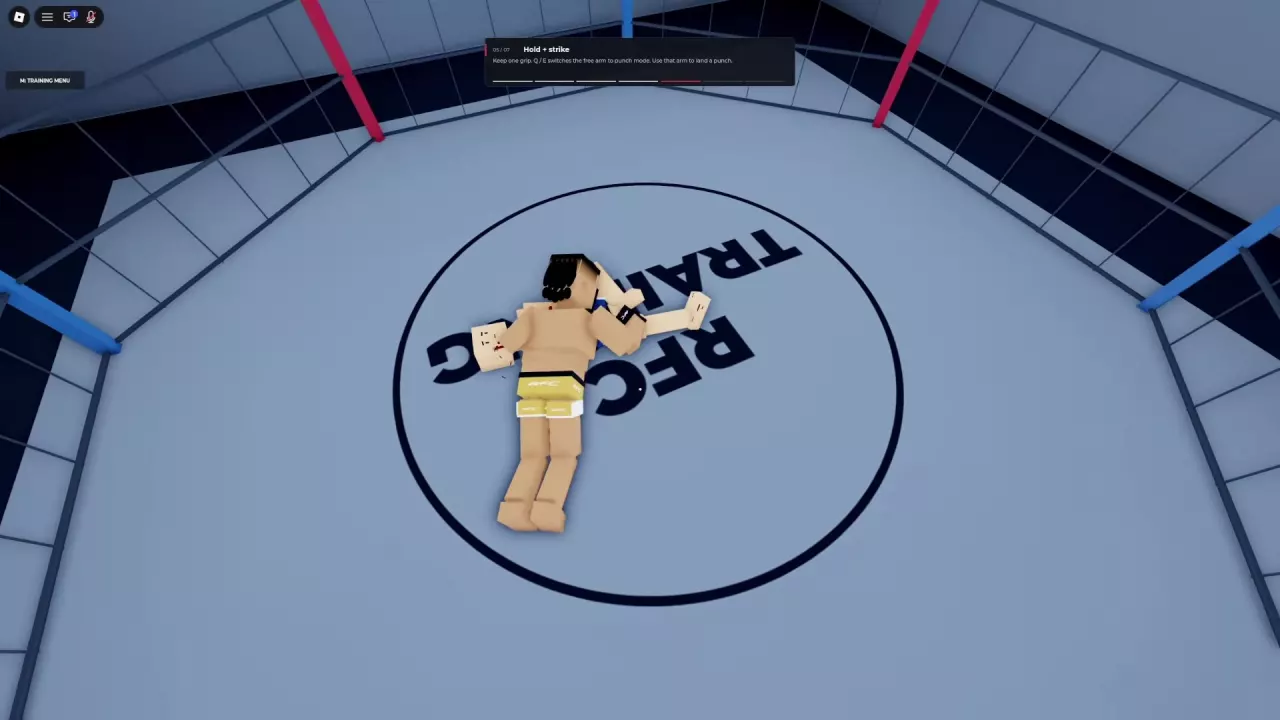
Task 5: Hold + strike
- Keep one hand gripping your partner.
- Press Q to switch the left arm to punching mode, or E to switch the right arm.
- Land a punch with that arm while the other hand maintains its grip.
If both hands are still gripping, switch one arm before trying to punch. Choose the arm with a clear path to the target, and adjust your position if the strike cannot reach. Against a downed partner, moving to a better angle can give the punching hand room to connect.
Use the grappling guide for takedowns and grip-based attacks, or the ground combat guide for movement and attack angles after going down.
Kick and Guide Both Legs
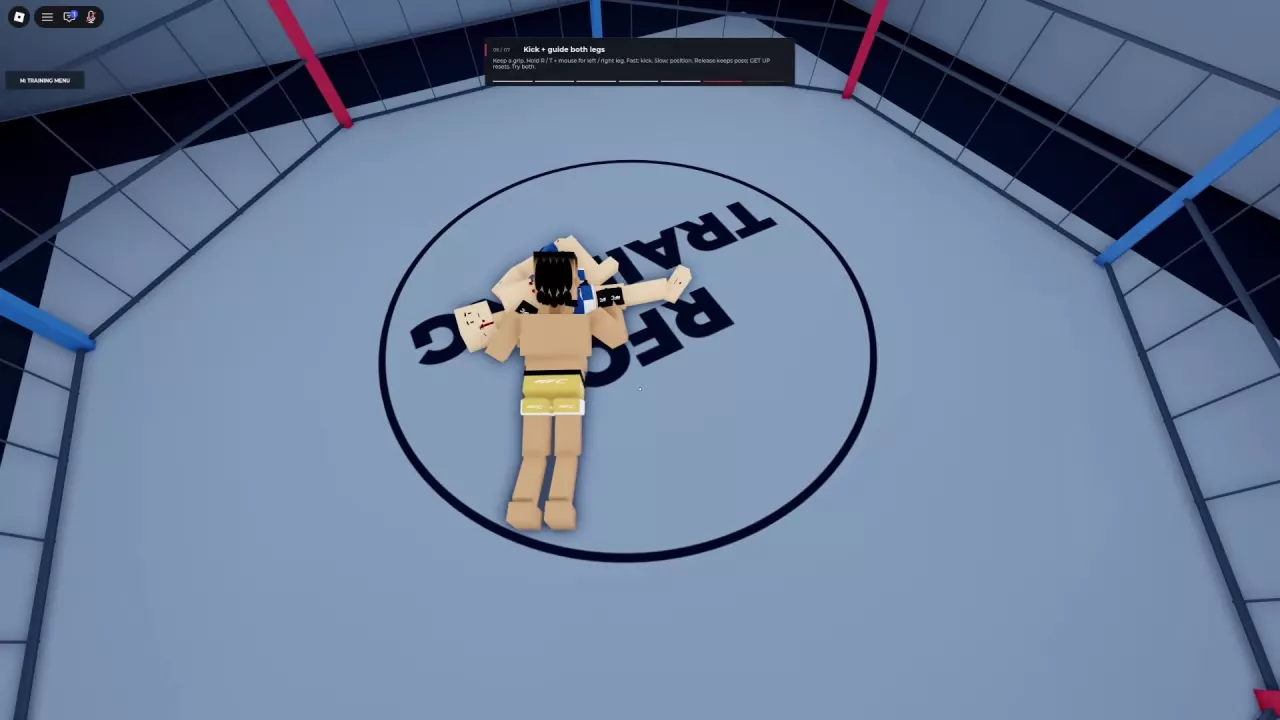
Task 6: Kick + guide both legs
- Maintain a grip on your training partner.
- Hold R and move the mouse to guide your left leg.
- Hold T and move the mouse to guide your right leg. Try both legs during the task.
- Move the mouse quickly to kick, or slowly to position the leg.
- Release the control to hold the pose. Use GET UP to reset the pose.
These are the leg controls while gripping. The earlier kick task uses Q/E outside grab mode; during a grip, Q/E switches the arms to punching mode. If you want to place a leg carefully before kicking, use slow movement first, then a faster movement for the strike.
Use Practice and Fight a Bot
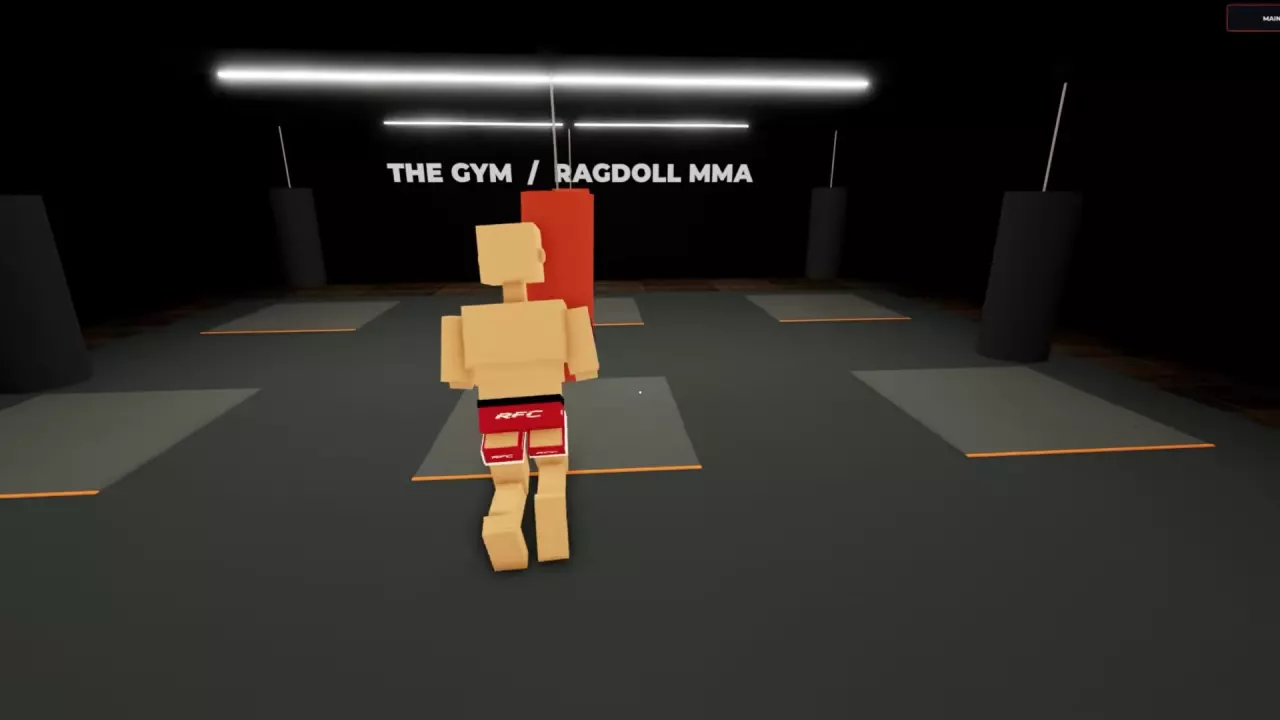
Practice with punching bags
- Open Fight Now → Practice to enter The Gym.
- Walk up to a hanging punching bag and practice your attacks.
- Watch for the bag to swing when you make contact. Adjust your distance and aim if your attacks miss.
- Select Main Menu in the upper-right corner to return.
The Gym has multiple hanging bags and training mats, and fighters can also practice close-range exchanges there. Use the bags to repeat an attack until you can reliably reach the target.
Fight an AI opponent
Open Fight Now → Fight a Bot, then choose Easy, Medium, or Hard. Start with Easy if you are still learning to apply your controls during a fight, then try Medium or Hard when you want a higher difficulty.
Peaceful belongs to the private gym's bot-placement options. The ordinary Fight a Bot menu offers Easy, Medium, and Hard.
Train with Friends in a Personal Gym
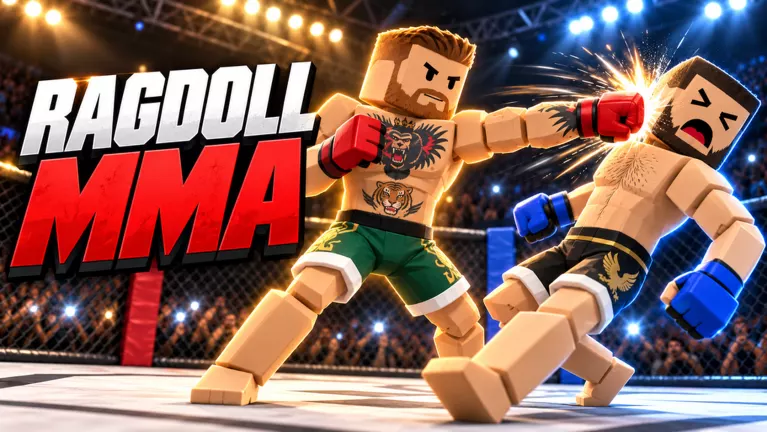
Personal Gym lets you host a dedicated, invitation-only server. Invite Roblox friends who are in Ragdoll MMA; guests join free.
The space includes an octagon, jiu-jitsu mats, heavy bags, torso targets, and speed bags. You can also place multiple training bots around the gym. This makes it useful when you want a private group session with equipment and several practice partners.
See Personal Gym equipment and guest access for its facilities and bot setup options. For the price and how its benefits compare with other purchases, use the game pass comparison.
Ragdoll MMA Personal Gym: Friends, Equipment, and Bots
Explore Ragdoll MMA Personal Gym equipment, bot options, and the conditions for inviting Roblox friends to join free.
Ragdoll MMA PC Controls and Arm Modes
Find Ragdoll MMA PC controls for punches, kicks, grabs, and ground combat. Compare Simple Arm and Full Arm, switch views, and use the taunt wheel.
Ragdoll MMA Striking Guide: Punches, Kicks, and Defense
Learn Ragdoll MMA punch controls, guided kicks, and jump kicks. Improve contact with better positioning, hit feedback, and patient counterattacks.
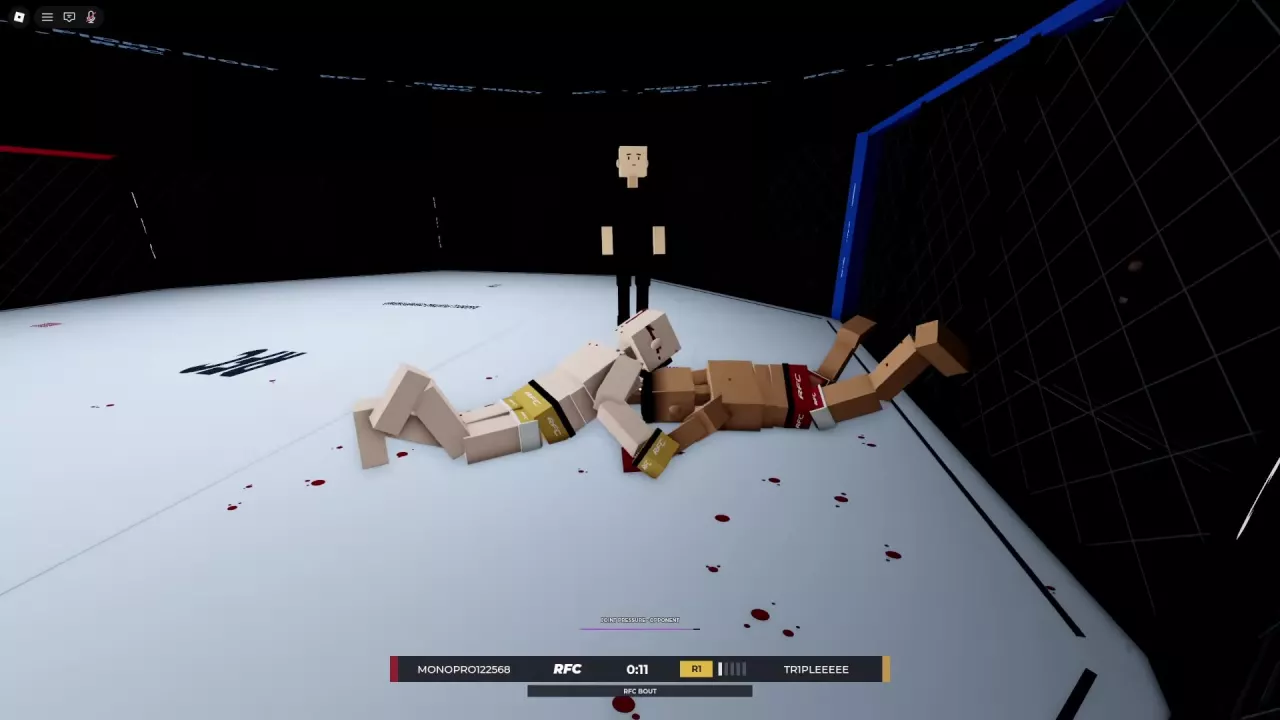
Ragdoll MMA Grappling Guide: Grabs, Slams, and Joint Pressure
Learn how to grab, reposition, release, and slam in Ragdoll MMA, plus leg takedown attempts, submission positioning, and joint-pressure warnings.
Ragdoll MMA Ground Combat: Strike, Reposition, and Get Up
Learn Ragdoll MMA ground combat controls: crawl, turn, punch while holding, guide both legs, and get up. Find better angles and understand weight penalties.
Ragdoll MMA Game Passes: Prices, Benefits, and Choices
Compare Ragdoll MMA game passes by listed price, availability, and unlocks. Choose private training or cosmetics and find the separate Support RFC option.