Crate Categories and Reward Controls
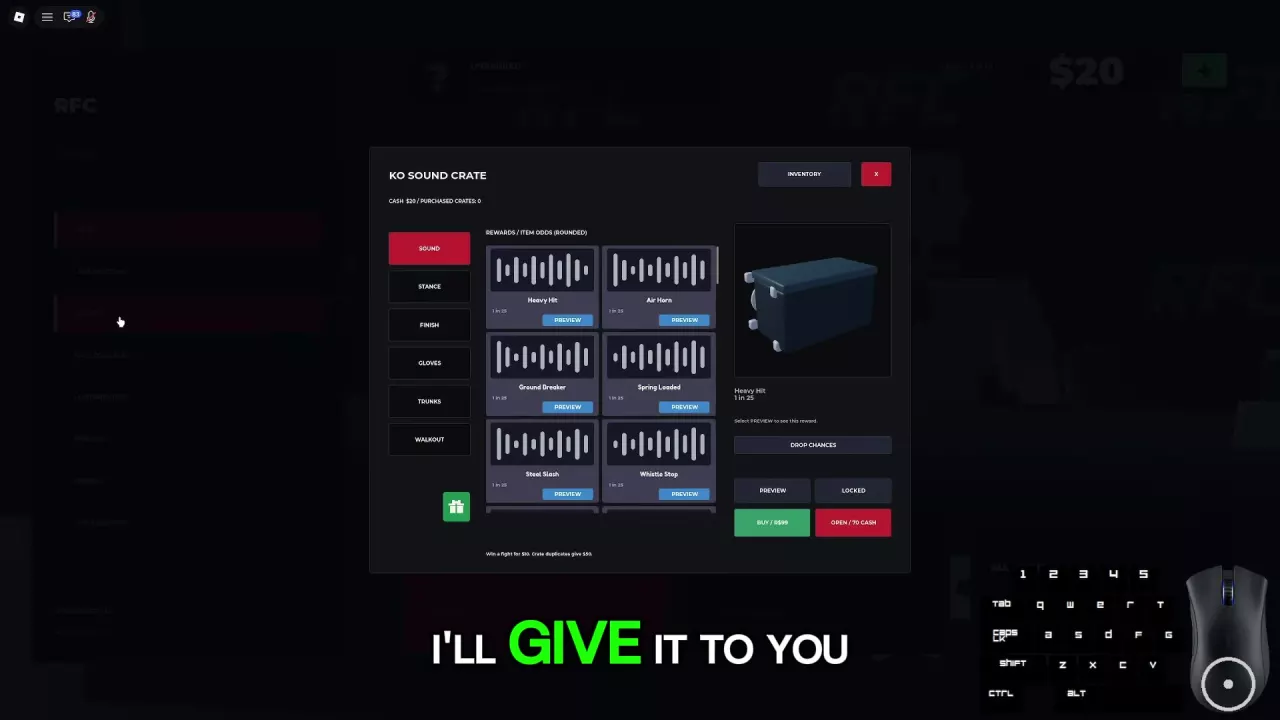
Select Crates from the main menu. The category tabs run down the left side of the window.
| Tab | Reward category |
|---|---|
| Sound | KO sounds |
| Stance | Stance rewards |
| Finish | Finish rewards |
| Gloves | Gloves |
| Trunks | Trunks |
| Walkout | Walkout rewards |
In the Sound window, Inventory is at the upper right, and the Purchased Crates counter sits beneath the crate title beside your Cash balance. The reward list occupies the center, with a Preview button on each sound card. Drop Chances is on the right beneath the crate display, above the lower Preview and purchase controls.
Browse KO Sounds
Search the sound directory by name to find a reward and its KO Sound Crate odds. To hear a sound, use its Preview button in the game's Crates → Sound menu.
The listed sounds share the same displayed chance, so choose which ones you like by listening to their previews rather than comparing their odds.
-
Heavy Hit
- Approximate drop chance
- 4 % (KO Sound Crate; equivalent to the rounded menu odds of 1 in 25.)
- Preview available
- Yes (Crates → Sound.)
-
Air Horn
- Approximate drop chance
- 4 % (KO Sound Crate; equivalent to the rounded menu odds of 1 in 25.)
- Preview available
- Yes (Crates → Sound.)
-
Ground Breaker
- Approximate drop chance
- 4 % (KO Sound Crate; equivalent to the rounded menu odds of 1 in 25.)
- Preview available
- Yes (Crates → Sound.)
-
Spring Loaded
- Approximate drop chance
- 4 % (KO Sound Crate; equivalent to the rounded menu odds of 1 in 25.)
- Preview available
- Yes (Crates → Sound.)
-
Steel Slash
- Approximate drop chance
- 4 % (KO Sound Crate; equivalent to the rounded menu odds of 1 in 25.)
- Preview available
- Yes (Crates → Sound.)
-
Whistle Stop
- Approximate drop chance
- 4 % (KO Sound Crate; equivalent to the rounded menu odds of 1 in 25.)
- Preview available
- Yes (Crates → Sound.)
Preview a Sound and Read Its Odds
- Open Crates from the main menu.
- Choose Sound to open the KO Sound Crate rewards.
- Find the sound you want to hear and select Preview on its card.
- Read the odds shown beside that reward before deciding whether to open a crate.
Each of the six sounds listed above displays 1 in 25, equivalent to approximately 4%. The menu labels its item odds as rounded. Treat that as a displayed drop chance, not a promise that you will receive the sound within 25 openings. The six entries are not a complete reward pool, so their percentages should not be used to calculate the chances of all other rewards.
KO Sound Crate Prices and Duplicates
Open Crates → Sound to reach the two spending options at the lower right.
| Option | Cost | Action |
|---|---|---|
| Open / 70 Cash | 70 Cash | Open the KO Sound Crate using Cash |
| Buy / R$99 | 99 Robux | Purchase the KO Sound Crate using Robux |
Have 70 Cash available before using the Cash opening option. Opening gives a random reward; previewing a sound lets you hear it, rather than select it as your reward.
A duplicate reward from the KO Sound Crate returns 50 Cash. If you spend 70 Cash on an opening and receive a duplicate with that payout, your net Cash cost is 70 − 50 = 20 Cash. You still need the full opening amount upfront.
Choose Your Next Customization Step
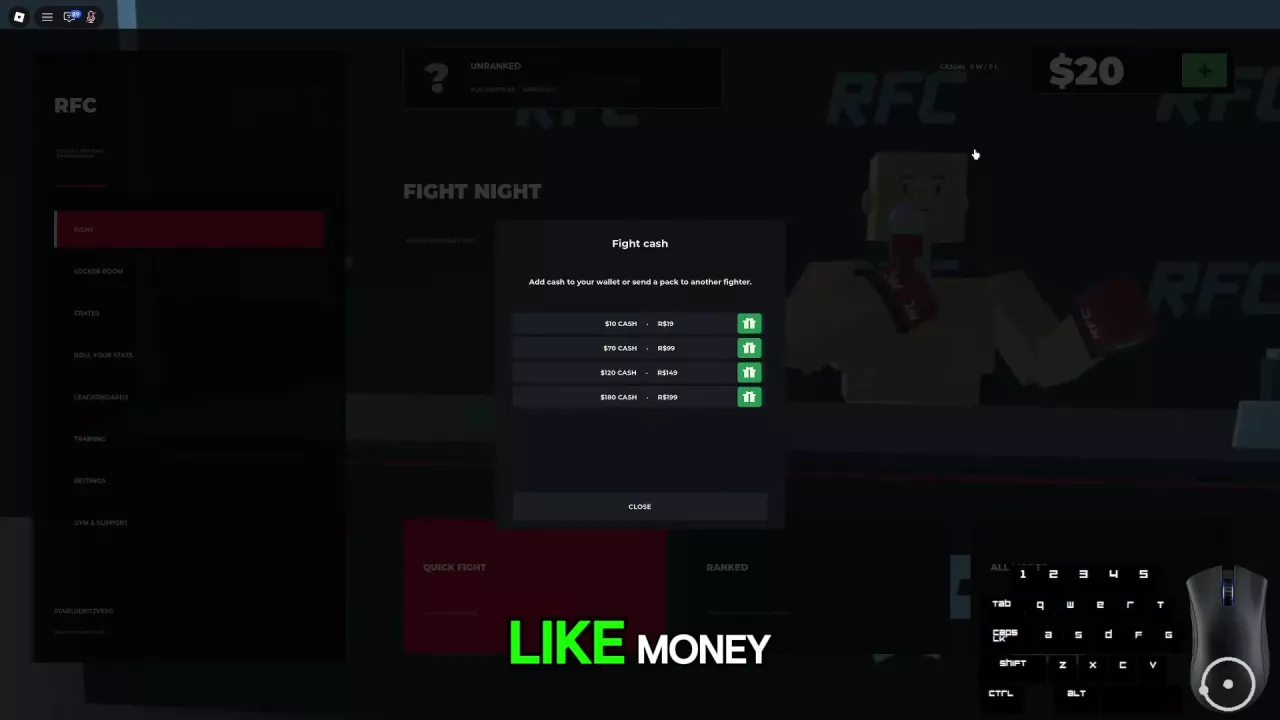
- Need Cash for an opening? See Cash rewards and pack comparisons for earning options and purchase choices.
- Want to mix gloves and trunks or choose a celebration? See fighter customization for gear combinations and celebration unlocks.
- Looking for premium gear collections? The Gloves and Trunks crate tabs are separate from the Premium Fight Gear pass. Use the game pass comparison to check its benefits and listed availability.