Choose an Attack for the Opening
| Opening | Recommended response | Why it fits |
|---|---|---|
| Close range with a clear path for an arm | Throw a controlled punch | You can choose the hand and punch direction that reach the target. |
| You need to change the attack height | Use a guided kick | Vertical mouse movement adjusts the leg's height. |
| You want to reach a standing opponent's head | Try a jump kick | Jumping raises the starting position of the kick. |
| Attacks keep missing | Reposition before repeating them | A different angle or gap can give the limb a clearer path. |
Start with deliberate attacks you can aim and evaluate. Holding both mouse buttons while moving the mouse can produce continuous punches, and it can work against some opponents. It is a poor starting habit when you are struggling to connect: more swings from the same position may leave the underlying spacing problem unchanged.
Throw Straights, Hooks, and Uppercuts
- Face the opponent and move within punching range.
- Choose the arm: left mouse button for the left arm, or right mouse button for the right arm.
- Use the input for your selected arm mode.
| Punch | Simple Arm | Full Arm |
|---|---|---|
| Straight / jab | Click the chosen mouse button | Hold the chosen mouse button and move the mouse upward |
| Hook | Hold R and click the chosen mouse button | Hold the chosen mouse button and move the mouse sideways |
| Uppercut | Hold C and click the chosen mouse button | Hold the chosen mouse button and move the mouse downward |
With Full Arm, mouse movement guides the arm. For an uppercut, follow the downward mouse input even though the punch itself travels upward.
A right hook is a useful option during a close exchange when the right arm has a clear route to the opponent. In Simple Arm, hold R and right-click; in Full Arm, hold right-click and guide sideways. If that side becomes crowded, change your angle or use the other hand instead of repeating the same blocked path.
Choose your mode under Settings → Arm Controls. Simple Arm suits a preference for clicks and modifiers; Full Arm suits manual guidance. See PC controls and arm modes for inputs in other combat states.
First person is an optional aiming preference for facing an opponent during punches. Try it if that view makes the target easier to follow; use the camera settings guide to change views and adjust the camera.
Guide Kicks by Direction and Height
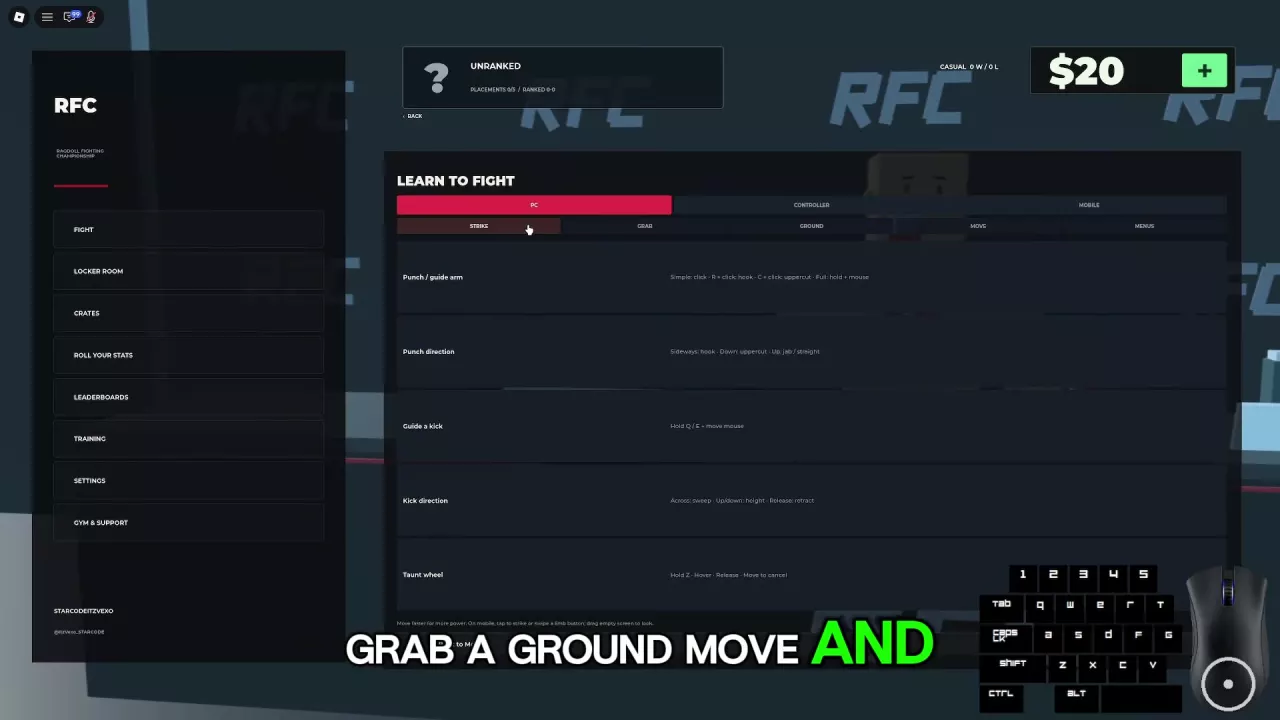
The leg settings offer Simple Leg and Full Leg, with committed Q/E kicks and mouse-guided kicks. Use guided leg controls for the directional sequence below.
- Stand up and leave grab mode. If you are in grab mode, use G to release your grips and return to standing striking inputs.
- Hold Q for the left leg or E for the right leg.
- Move the mouse sideways to sweep the leg across.
- Move the mouse up or down to adjust the kick's height toward your target.
- Release the control to retract the leg.
Use a low sweep when you want a low attack instead of reaching for the head. A landed low sweep can leave the opponent standing, so be ready for another exchange rather than treating contact as an automatic takedown.
Choose the leg whose path best fits your position. If you cannot reach the intended target, change the gap or angle before trying again.
Use Jump Kicks to Reach the Head
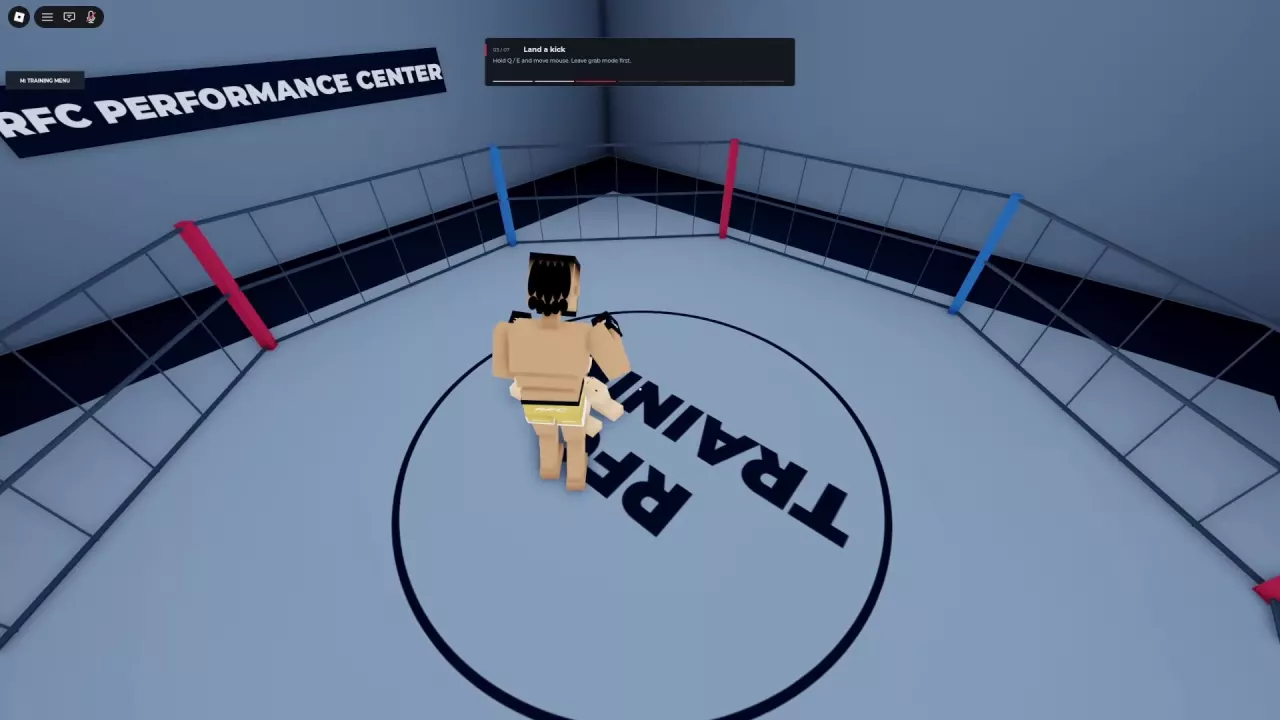
Jumping raises your attack position, helping your leg reach a standing opponent's head. It is a useful choice when a grounded kick is reaching too low.
- Face the opponent while standing outside grab mode, and move close enough for the kick to reach.
- Press Space to jump.
- Kick toward the head using your selected leg controls. With guided kicks, hold Q or E and move the mouse to direct the leg.
- Check whether the attack connected, then adjust your position for the next exchange.
Against a punching opponent, the height difference can work in your favor: their punch may meet your body while your airborne leg reaches their head. You can still be hit during the attempt, so judge the opening from both fighters' positions and movement.
A clean jump kick can lead to a quick knockout, but contact, a knockdown, and a fight-ending knockout are different outcomes. Do not commit to another jump solely because the previous kick touched the opponent.
Fix Misses with Hit Feedback and Positioning
Watch for the small white square used as landed-punch feedback. If punches seem to do nothing, first work on making contact.
- Change your distance or move around the opponent instead of swinging repeatedly from one spot.
- Face the target again after either fighter moves.
- Use the other hand if it has a clearer path.
- Switch between head and body targets when the current target is awkward to reach.
Make an adjustment, throw a controlled strike, and use the feedback to judge whether the new position helps.
Ragdoll reactions can make a fighter sway, stagger, or fall. Those reactions do not give you a damage number, and a fallen fighter can recover and continue fighting. Temporary blurred vision can also clear while a fight continues. Keep responding to the opponent until the game gives a formal fight result; for interpreting rounds that reach a decision, see scoring and fight stats.
Manage Distance and Counter Overcommitment
Use WASD to control the gap: W moves forward, S backward, and A/D sideways. Avoid staying in constant body-to-body contact when you need room to aim a strike.
- Establish a gap that lets your chosen attack reach.
- Use measured punches or kicks, leaving time to observe the response.
- When the opponent overcommits, look for an exposed target and answer with a strike that fits the opening.
- Reassess the distance after the exchange instead of immediately repeating the attack.
Treat a light-punch or light-kick approach as a pacing choice: make deliberate attempts and reset between them. LeftShift is the Lean action in the keybinds.
Against repeated kicks or jump kicks, prioritize moving to a better position before answering. Trading punches at close range still leaves you exposed to a kick reaching your head.
If the opponent is closing for a grab, try to create space before they establish control. A clinch can still allow punches, including body punches while the head is controlled. Once grips become part of the exchange, use the grappling guide for the relevant controls and positioning.
Follow a Knockdown into Ground Combat
If the opponent falls and the fight continues, you can follow with punches from a position that lets your arm reach. The opponent can still attack from the ground, so being above them does not make the follow-up safe by itself.
Use the ground combat guide to find an attacking angle, strike with or without a grip, reposition, and get up. If you want to hold the opponent while striking, follow the grabbing and grip-control instructions.
Ragdoll MMA Fighter Stats and Build Choices
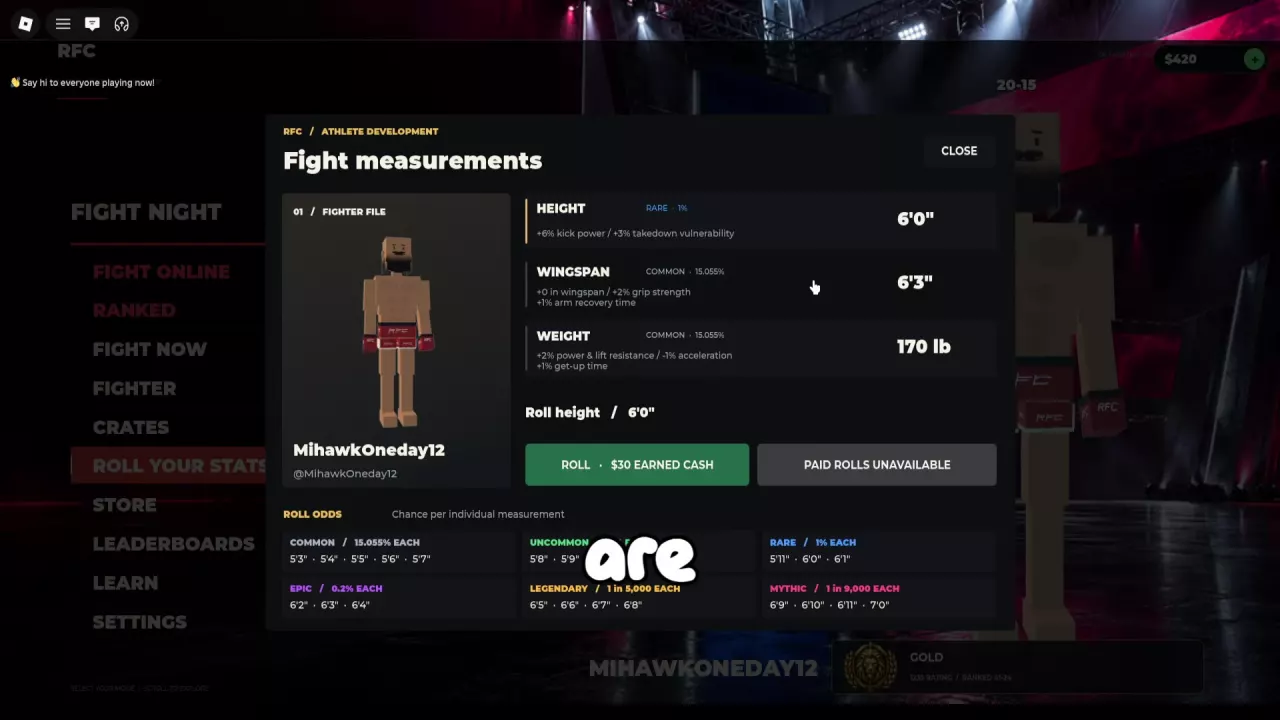
Compare Ragdoll MMA fighter stats, browse every height, wingspan, and weight option, and choose combat benefits and tradeoffs worth keeping.
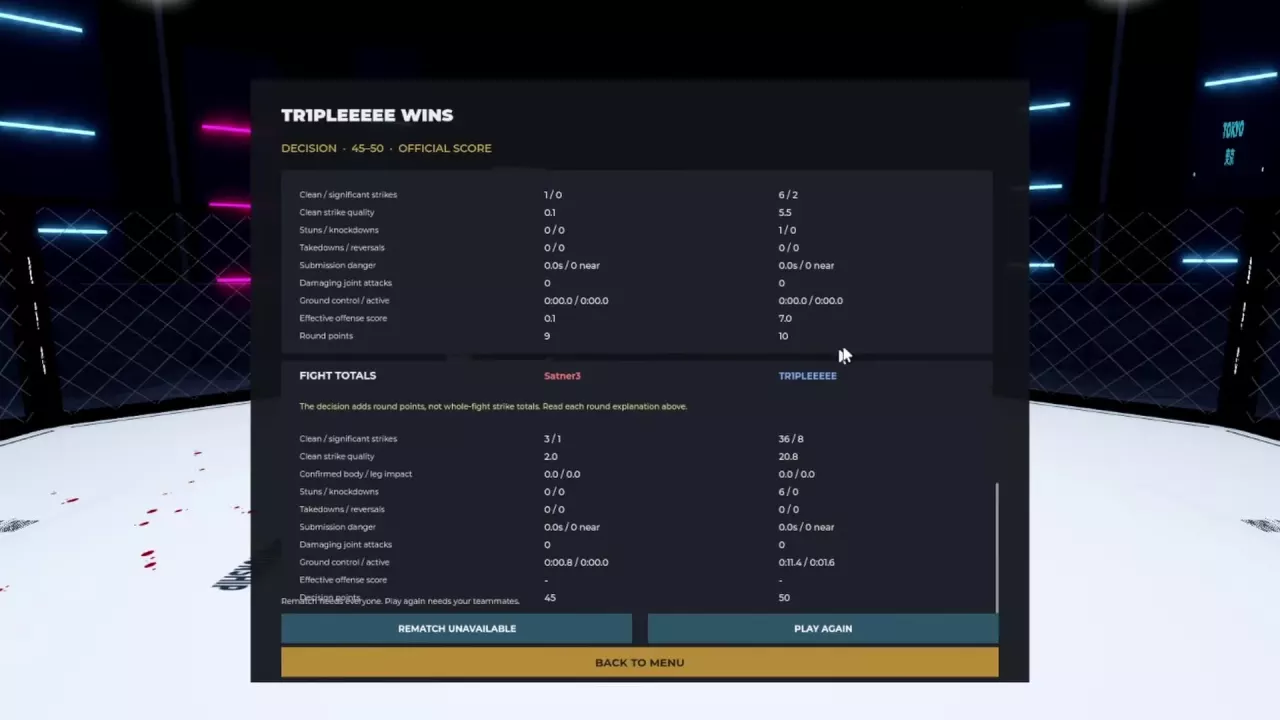
Ragdoll MMA Scoring System: Decisions and Fight Stats
Understand the Ragdoll MMA scoring system, read every round statistic, and use real scorecards to improve striking, takedowns, and ground control.
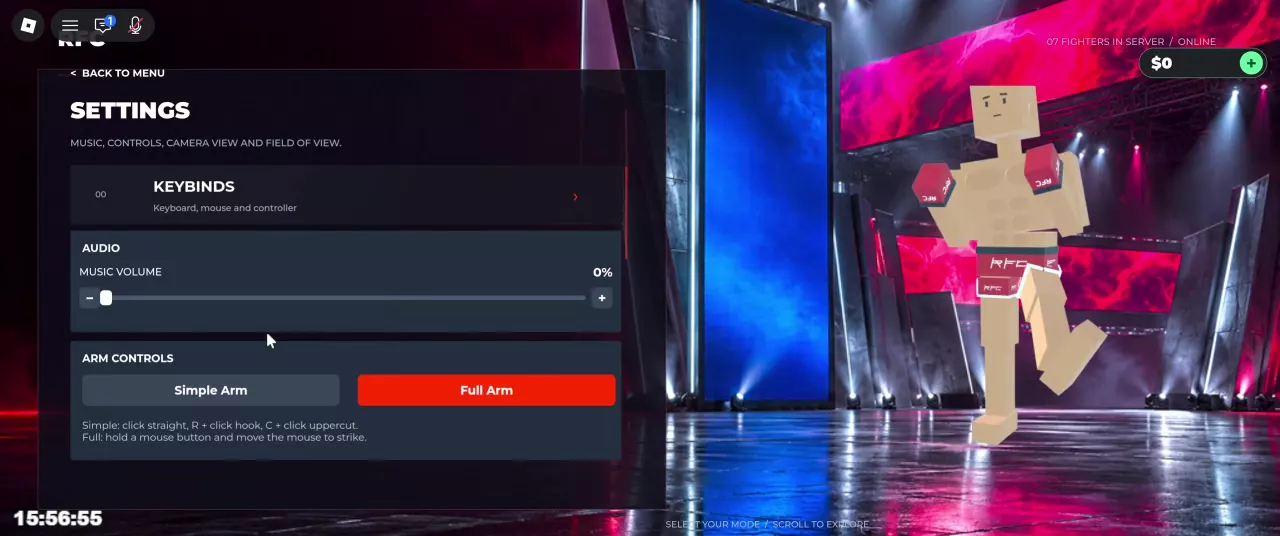
Ragdoll MMA PC Controls and Arm Modes
Find Ragdoll MMA PC controls for punches, kicks, grabs, and ground combat. Compare Simple Arm and Full Arm, switch views, and use the taunt wheel.
Ragdoll MMA Camera, Sensitivity, and Audio Settings
Change Ragdoll MMA camera settings, switch to first person, adjust FOV and sensitivity, understand camera locking, and turn off music.
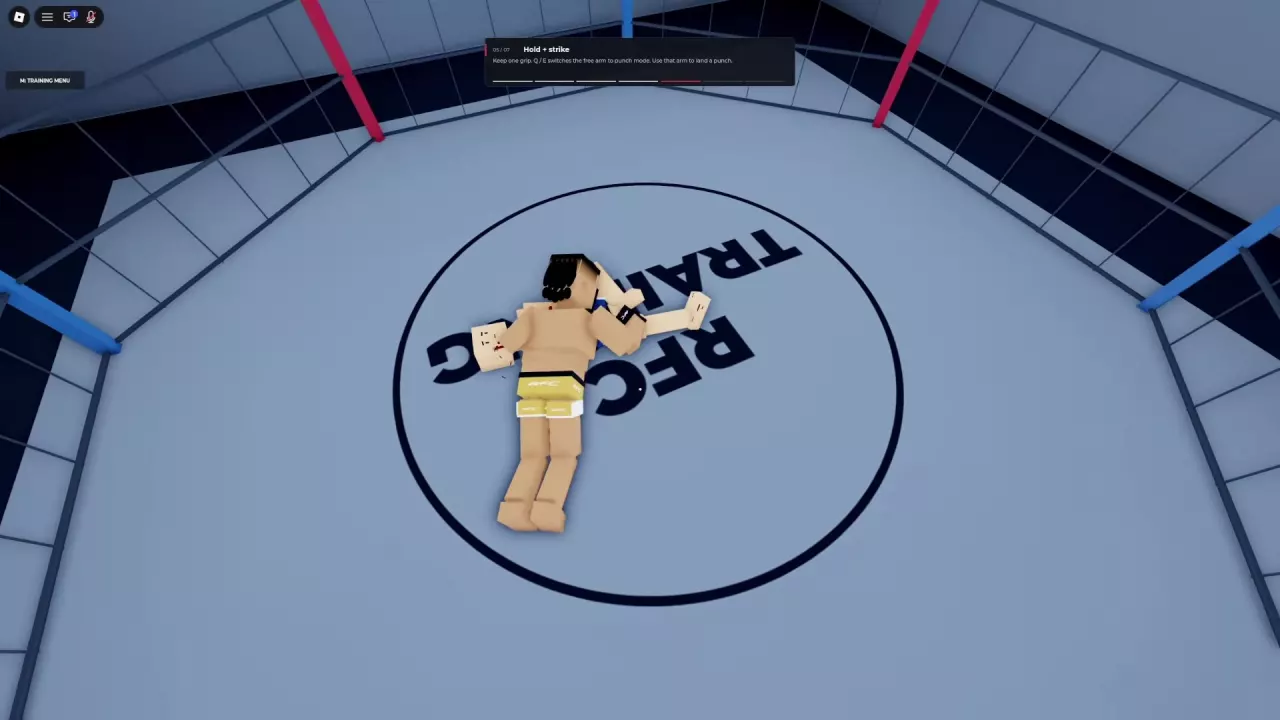
Ragdoll MMA Ground Combat: Strike, Reposition, and Get Up
Learn Ragdoll MMA ground combat controls: crawl, turn, punch while holding, guide both legs, and get up. Find better angles and understand weight penalties.
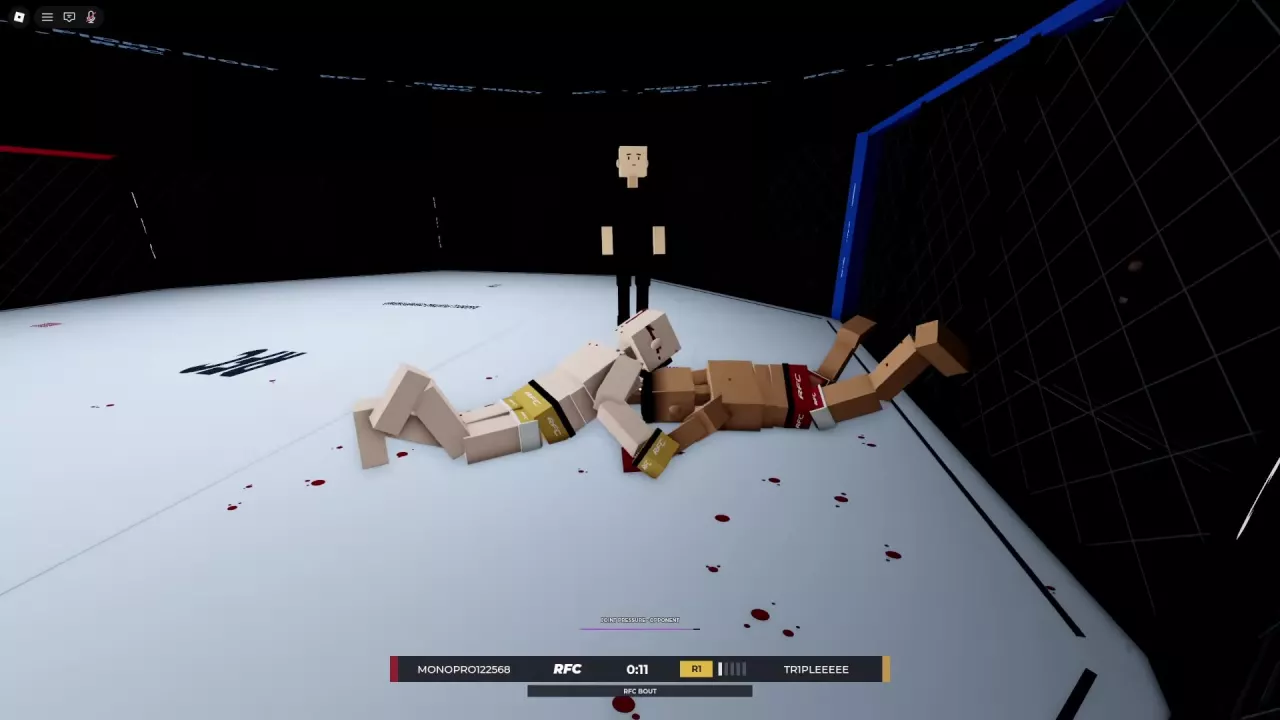
Ragdoll MMA Grappling Guide: Grabs, Slams, and Joint Pressure
Learn how to grab, reposition, release, and slam in Ragdoll MMA, plus leg takedown attempts, submission positioning, and joint-pressure warnings.