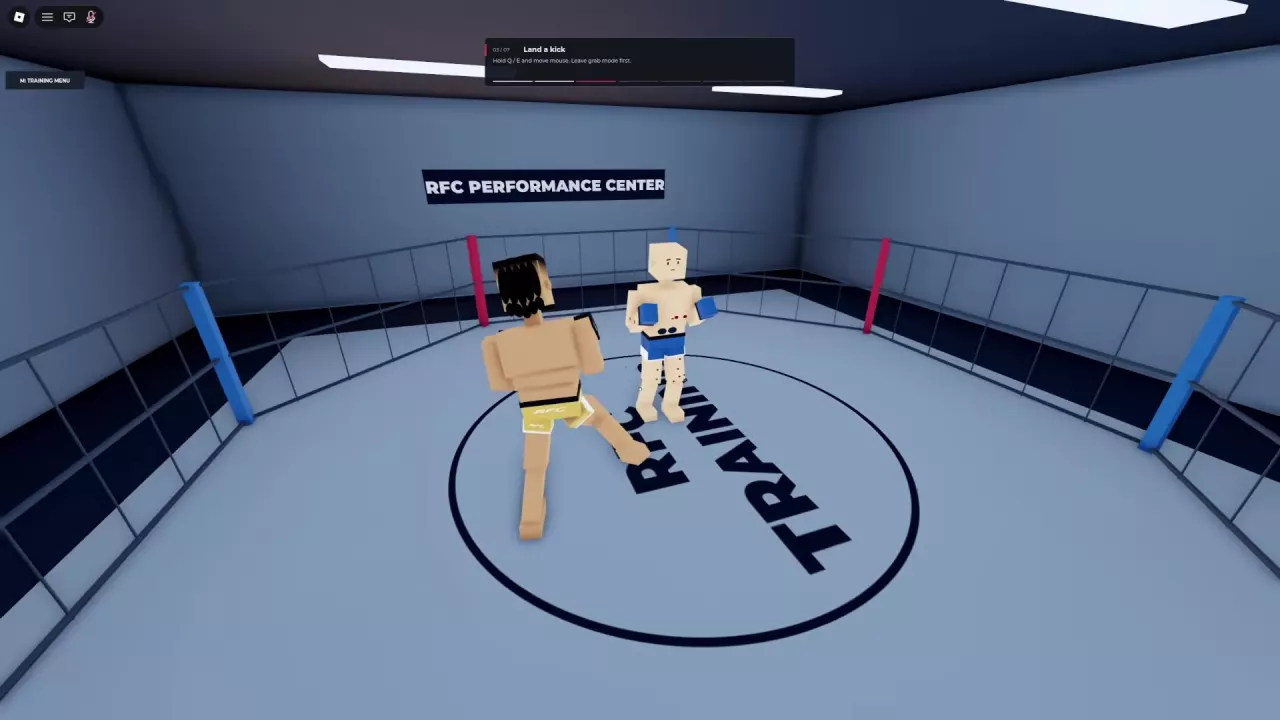
Ragdoll MMA Game Modes: Casual, Teams, and Rule Sets
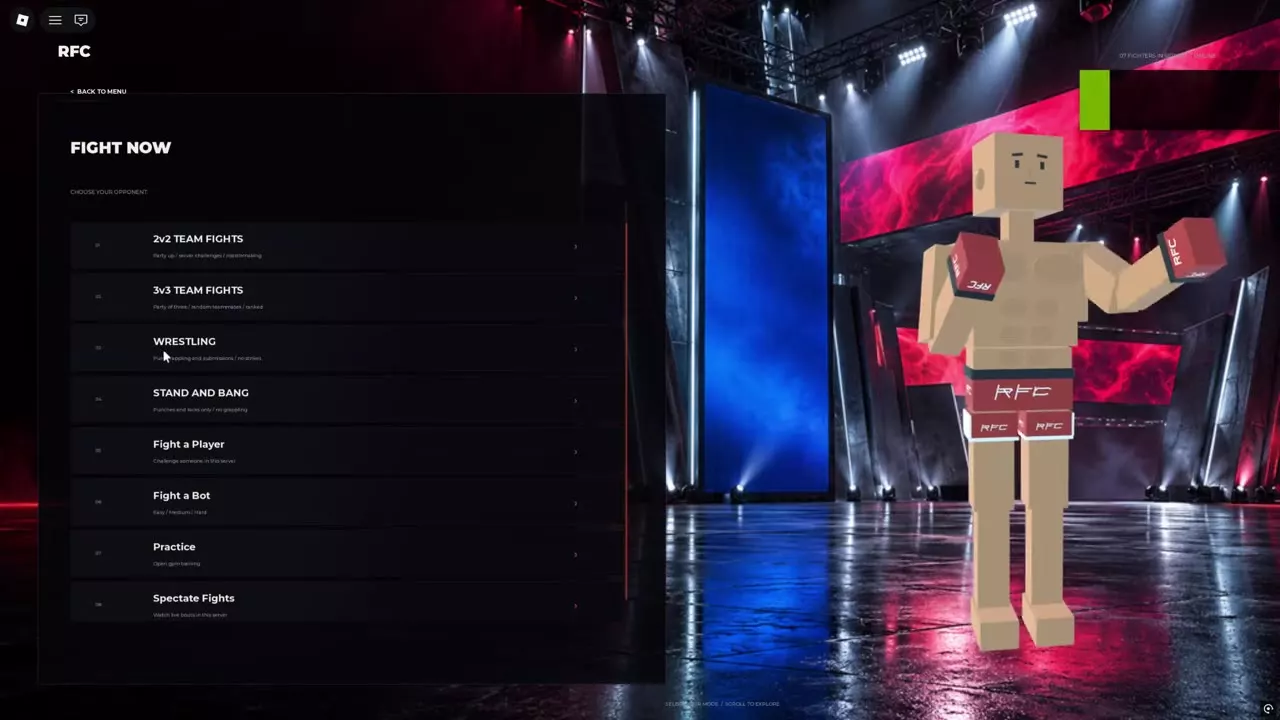
Compare Ragdoll MMA game modes, find Quick Fight, Ranked, team fights and restricted rules, challenge players, spectate, and cancel matchmaking.
Last updated:
Enter Ranked in Ragdoll MMA to play placement matches and track your division, Rating, and record.
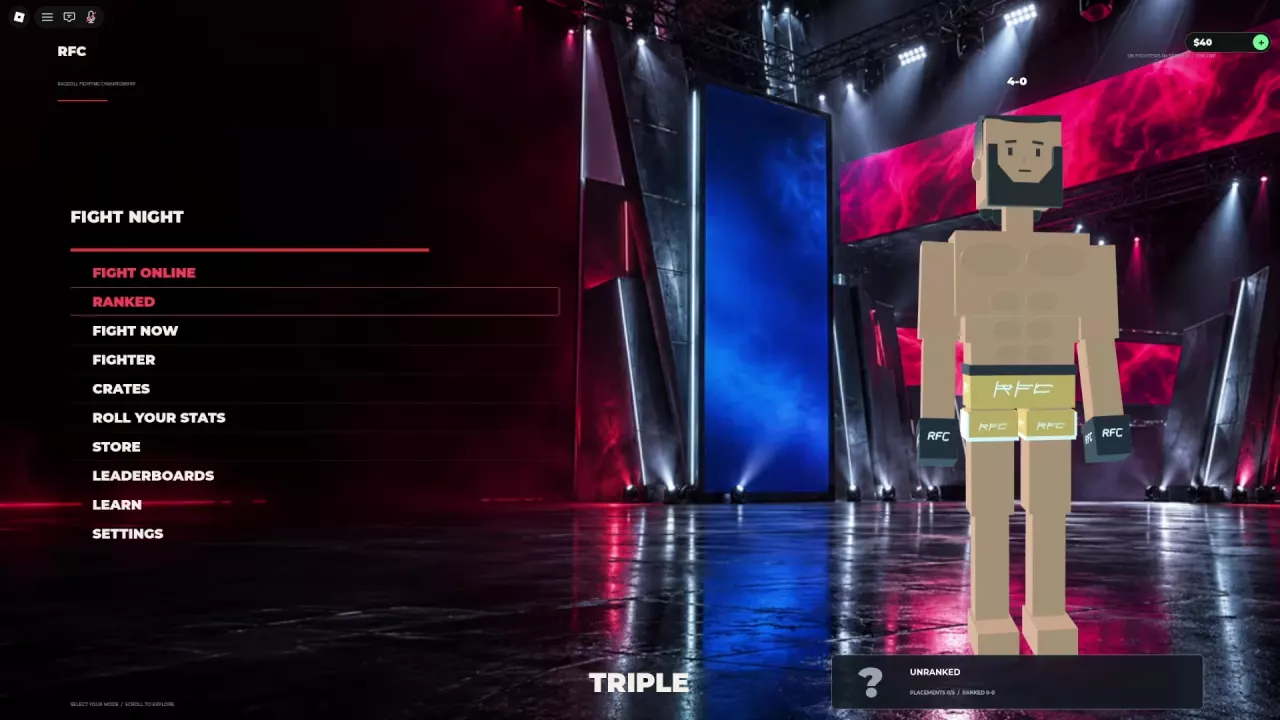
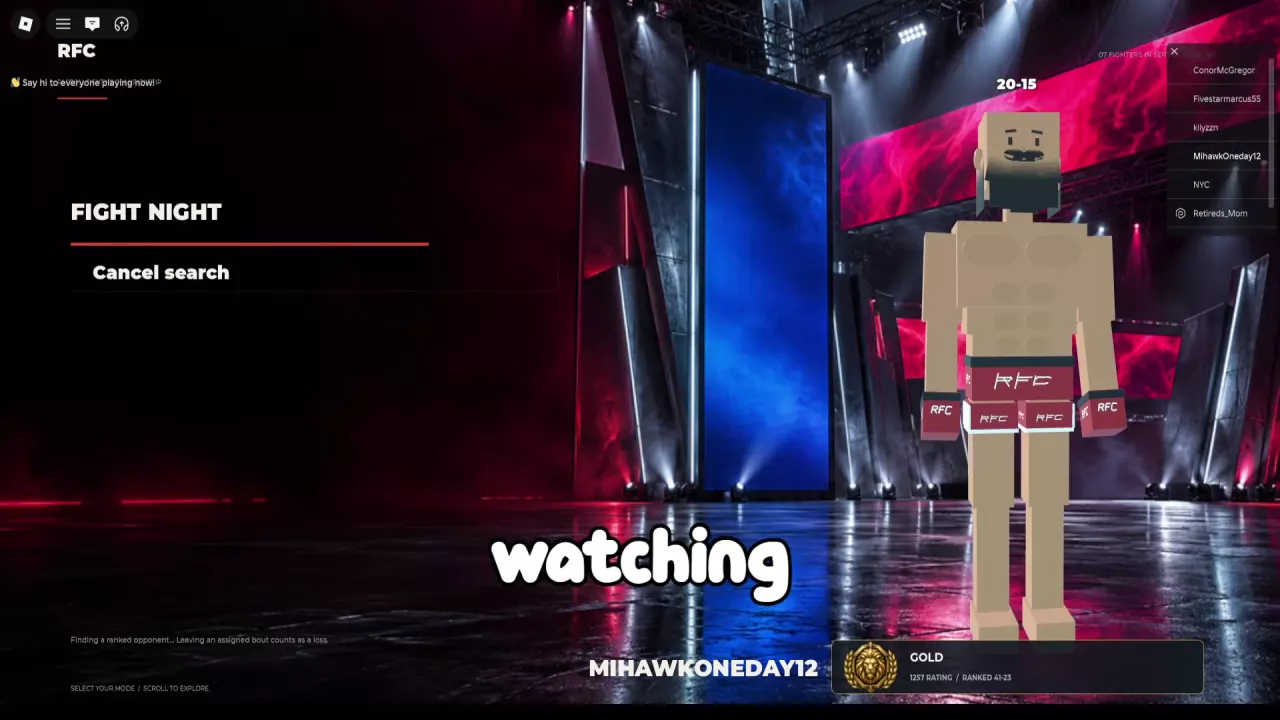
If a search takes a long time, you can cancel and select Ranked again to retry. Do this while the search is still active: leaving an assigned Ranked match counts as one loss.
During placements, your Ranked panel shows Unranked and a counter such as Placements 0/5. Complete five Ranked matches to finish the placement stage; you do not need five wins.
For example, a player starting at Placements 0/5 and Ranked 0-0 can lose the first match and return to Placements 1/5 and Ranked 0-1. The placement counter tracks completed matches, while the record tracks wins and losses.
Your main-menu Ranked panel shows your division, Rating, and ranked record. Silver and Gold are division labels; Unranked is the status shown during placements. Before a Ranked Bout, the Tale of the Tape compares both fighters’ Record, Win Rate, and Division. Your opponent can be in a different division.
Read a record as wins–losses: Ranked 42-24 means 42 wins and 24 losses. A new 0-0 record displays Win Rate --; after a first loss, 0-1 displays 0%. Use the record explicitly labeled Ranked: a number above your character or a Record shown for an Exhibition Bout should not be assumed to be your ranked record.
Rating can change after a match. In one Gold player’s match, a win moved the Rating from 1248 to 1257, an increase of 9 for that match. That example does not establish a fixed gain for every win.
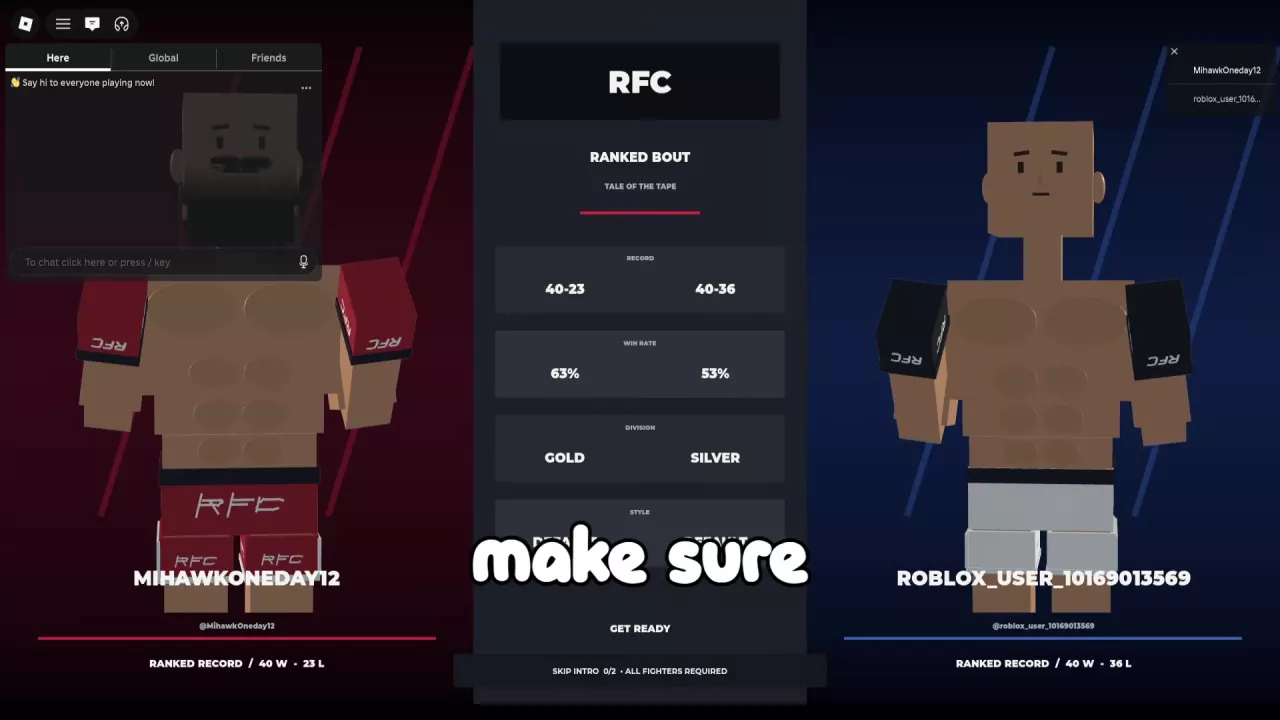
Ranked bouts are scheduled for five rounds of 90 seconds, with an arena vote before the fight. A finish can end the bout before all five rounds are complete.
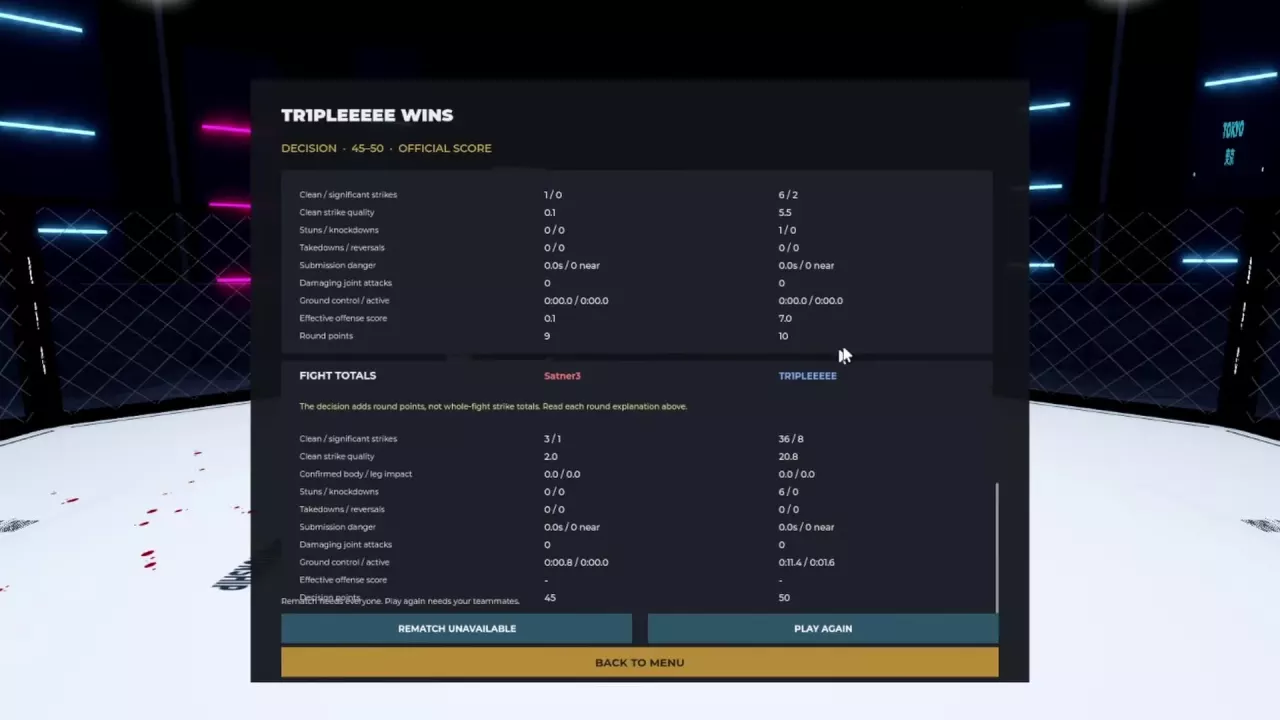
If the fight goes to a decision, aim to win each round with effective strikes, established takedowns, and active ground offense. Total attempts alone do not decide the result. See match rules and finishes for the fight stages, or decision scoring and fight stats for how to read the scorecard.
Select Leaderboards from the Fight Night main menu. In the sidebar layout, it appears alongside entries such as Fight, Training, and Settings.
Compare Ragdoll MMA game modes, find Quick Fight, Ranked, team fights and restricted rules, challenge players, spectate, and cancel matchmaking.
Learn Ragdoll MMA match rules: arena voting, Exhibition and Ranked round timers, intro skips, knockouts, bone breaks, replays, and rematches.
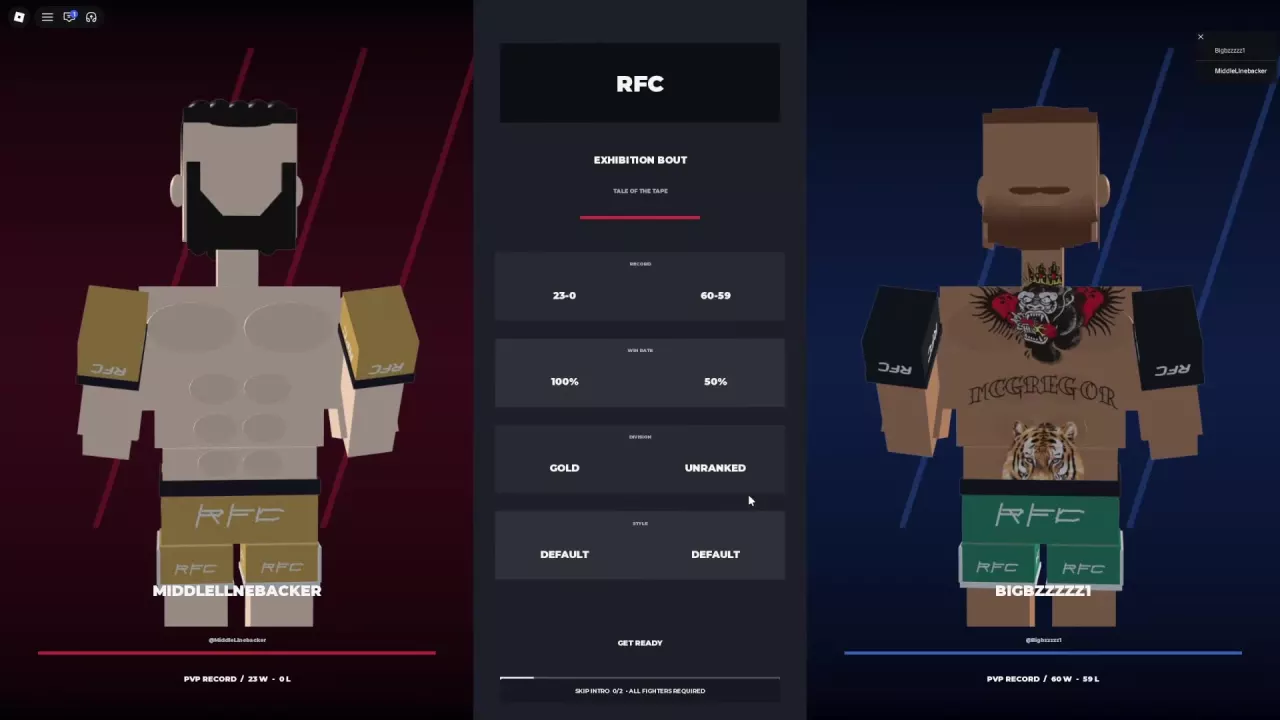
Understand the Ragdoll MMA scoring system, read every round statistic, and use real scorecards to improve striking, takedowns, and ground control.
Choose Ragdoll MMA training activities, complete punch, kick, grip, and leg-control lessons, practice on punching bags, and fight Easy, Medium, or Hard bots.